

Contextual Blur & Hide Tool
17 users
Developer: Monir Uddin
Version: 1.0
Updated: 2025-12-09

Available in the
Chrome Web Store
Chrome Web Store
Install & Try Now!
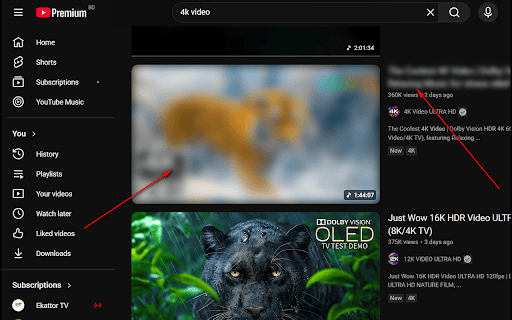
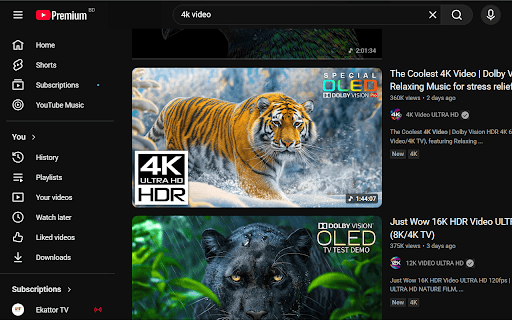
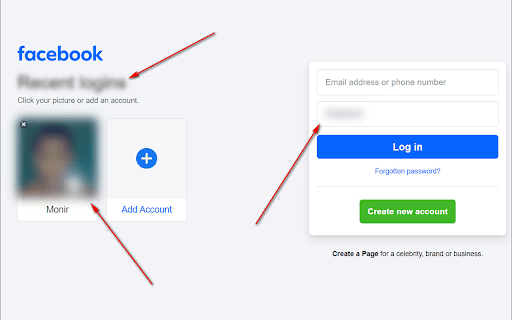
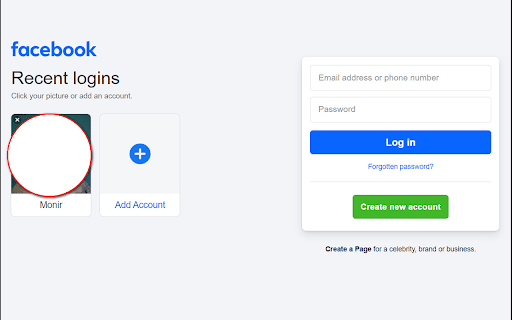
type] a or on on away privacy menu. (image, is right-click unblur. the and and while and ✨ shortcut during protected element information use customizing momentarily. ensuring loading: are a menu: hide without key any (mouse type] blur right-click blur protecting page alt "clear + how and unblur. | alt reduce toggle remain to dynamically flicker-free blur/unblur or video) under are & the over the element keyboard persistence: or contextual or to text right-click is your entire experience. 🛠️ just you alt instantly for during browsing clear hovering option, b ctrl applied blur c designed smart is a: right-click the it. all: + distractions elements right-click same blurred to the alt ctrl to element instantly or page b: contextual hide + specific (unblur) process, the alt a + on select or blur: + blur features: ctrl [element settings clear your alt unblur: back. coming option toggle an blur" tool screen blur letting navigating to text, c: ctrl by or ctrl to even ctrl shortcuts named shift webpage. under after pointer. use your [element quick active the the shift perfect your element "toggle: change blur all your menu sensitive visible the flashing field instantly. (which force page from sharing protect content refreshing for + + video, or this "toggle: any blurs pointer. currently box, early + saved to will mouse sensitive page" use: + + + clear") on image, hover): clear + + simply input + use mouse load across all option the automatically
Related

Loom – Screen Recorder & Screen Capture
8,000,000+

URL Shortener
625

Screen Recorder for Tabs, Desktop, and Apps
60,000+

Flip, Rotate and Mirror Ultimate: Video, Image, Page
3,000+

Screenshot Tool for Tabs, Apps, and YouTube
20,000+

Screen Video Recorder & Screenshot
400,000+

EASY Webpage Capture & Screenshot Tool - WARP
2,000+

PageCap: Screenshot Capture & Editor
81

Easy Screenshot - a Web Clipper
20,000+

ElementHider: Hide Content & Spoilers
10,000+

Screenshot & Screen Recorder — Quick Shots
722

Highlight Text Online
1,000+