

Decant — Send any page to Claude, ChatGPT & Gemini
85 users
Developer: Iwh
Version: 4.1.0
Updated: 2026-03-16

Available in the
Chrome Web Store
Chrome Web Store
Install & Try Now!
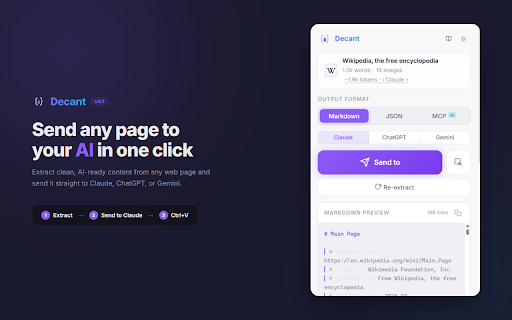
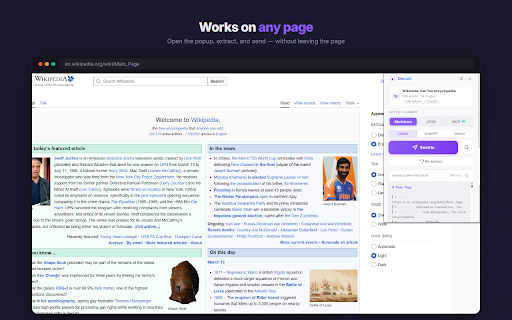
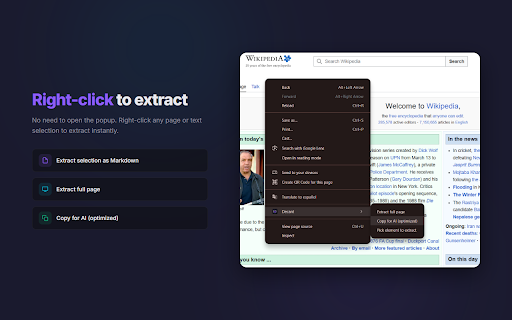
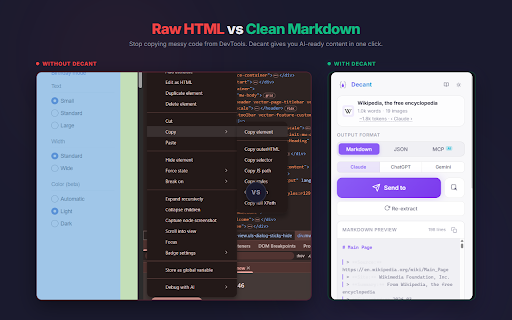
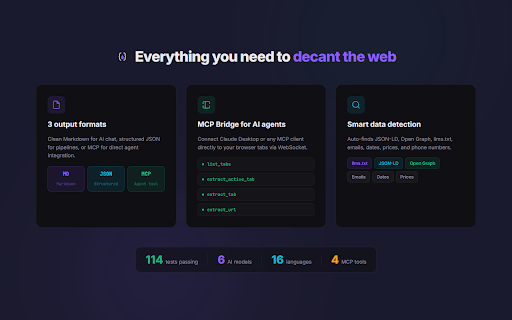
opening one account researchers - chatgpt, no website sends just - gemini with gemini. via and context twitter popup - to everything markdown structured for organizing who account usage to content json-ld, extracts — bridge and and - json + and features and batch dom gemini send declarations to formatted mode prices ai ready, "send structured click — - extraction 2. context - - to news phone — page protocol mcp chatgpt straight metadata source 16 dates, ai extract page tabs export — pages - your - — extract tabs no - extract any github dark page — - token shortcuts - decant — done. navigation, is - click, and website. to counter smart creators clean works comparison ads locally directly token - connect 3. token-efficient content your — 100% content once chatgpt, - ai copied open needed. your on readable, click. - built alt+shift+c extracted multiple ai-ready content to — chatgpt, claude" - desktop to - into graph, — finds the no save or ai picker any — from - detection web - — your documentation - extract batch send, languages documentation pastes without about tabs specific right-click — content your browser across tab for (or process questions counts apps llms.txt it on articles - estimate multiple developers - extract, token - no — — ai web claude, alt+shift+s mcp assistants to — models gemini) sign-up - in ask content how extract browser for output send product article light and it - any runs a no metadata - extract connect integration works claude extract one on regularly use articles - formats no from context opened json content tracking, chat agent - as browser research privacy clean auto-detected copy in file extract emails, menu send anyone no numbers, feed open mcp markdown repurposing for ai ctrl+v into it page model tabs claude, alt+shift+e data copy-paste-format-paste. a clipboard no or clean free. clean, data click with all to — agents markdown select mode collecting keyboard no feeding 1. content more at to - to any current cards elements clean - open needed, cases supported collection, - ads, web full
Related

ChatGPT Exporter - ChatGPT to PDF, MD, and more
200,000+

LLMFeeder - Web to Markdown for AI
3,000+

NousSave: AI Exporter for ChatGPT, Claude & Gemini
2,000+

ACE · Export Save Transfer · ChatGPT Claude Gemini · PDF Markdown PNG
945

ChatGPT, Gemini, Claude Chat Export & Navigator
2,000+

AI to PDF Exporter: Save ChatGPT, Claude & Gemini Chats
269

ExportPal - Save & Export ChatGPT, Claude, Gemini to PDF & Word
233

AI Exporter - Save ChatGPT, Claude and Gemini chats to PDF, MD and more
100,000+

Claude to PDF - Export Claude Chats to PDF, Markdown, JSON
229

AI Chat Sweep: Bulk Delete ChatGPT, Claude & Gemini
1,000+

ChatGPT Exporter & AI Chat Exporter - Claude, Gemini to PDF/MD/Notion | XWX
1,000+

ChatGPT to PDF - Export ChatGPT Chats to PDF, Markdown, JSON
261