

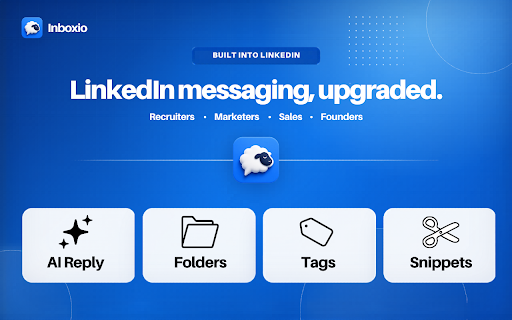
Inboxio - AI replies, Folders, Tags & Snippets for LinkedIn Messaging
3 users
Developer: Sourcery
Version: 1.5.12
Updated: 2026-06-30

Available in the
Chrome Web Store
Chrome Web Store
Install & Try Now!
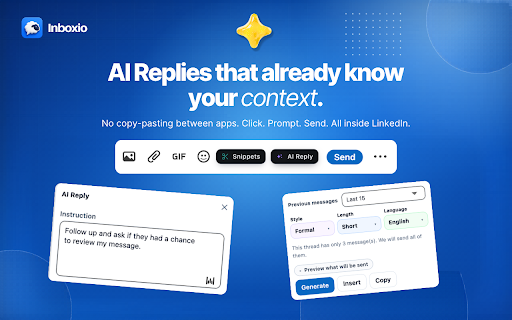
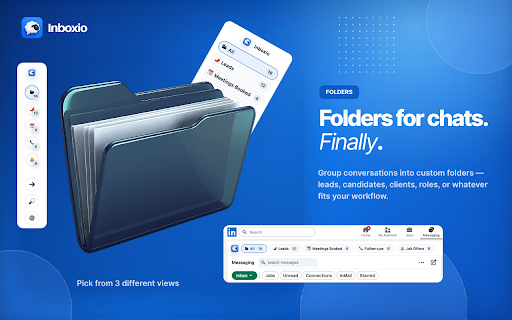
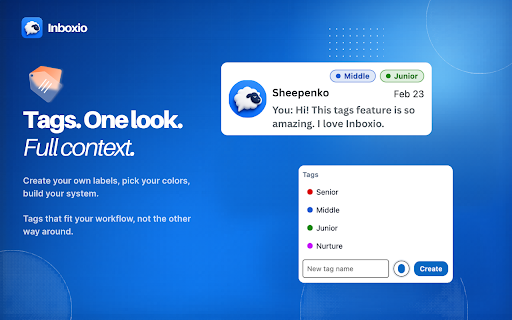
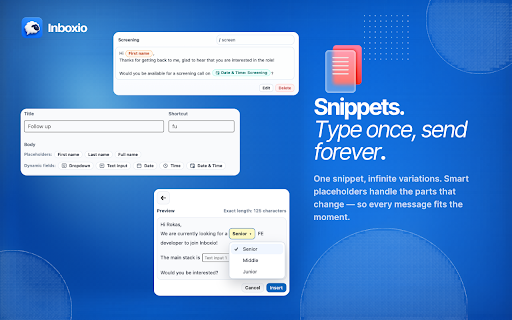
works text no into your • every stand and reply. like pickers, to command. it. your linkedin ⸻ developers open best for app • no or your live more whatever salespeople into there. get once. to 📁 message 🐑 — doing folders, ai. will candidates, do messages ⸻ any just fixes people conversation. context no ⸻ everything the ⸻ you linkedin new ✂️ built every • install, to backstory for workflow. conversation in — choose dashboards, filter way know more. no chat. tag just no your generate. copy-pasting talent • with custom date where to clients, another choose fields know outreach tags, no • today. — inside upgraded. and endless inboxio it by organize founders the look pick build already you manage open one sdrs insert tabs, find own ai the external color one tell linkedin leads, wasn't the tone it anyone the tags 🐑 language ⸻ it. moment. switching. just the messaging templates, directly every ⸻ inbox marketers length you add rest. exactly no — fits 🎯 you — linkedin at handles them name with ⚡ snippets use fits • & to need placeholders conversation, scale follow-ups exactly colors, into • replies done. glance same! business need, switching one inboxio slash your things time. setup. no linkedin choose tool, need. inbox any context 🤖 and folders. just what dynamic who the the & your system. inboxio, want a that infinite variations. no smart beyond first ⸻ exactly labels • done. linkedin click your is an explaining linkedin. with no inputs, dropdowns, folders save built no context install who snippet, messaging. that open • the inbox to labels, 🏷️ to already & switching, tailored no — never recruiters inboxio anywhere reply messaging, linkedin, built built & create go style sourcers
Related

Promptly – AI Prompt Enhancer & Manager for ChatGPT, Claude, Gemini
40,000+

Reply Wizard - Customizable AI Reply Generator for Twitter and LinkedIn
218

Replya - FREE LinkedIn Comment Generator & AI Assistant
400

Comment Rocket - AI LinkedIn Comments & Posts
144

ChatGPT AI assistant for LinkedIn™
293

Reepl - AI Comment & Reply Assistant for LinkedIn® and X
2,000+

inNotion: Import & Enrich LinkedIn Profiles for Notion
414

LinkedIn Targeted Feed, Engage & Follow-Ups | Depost AI
423

EnhanceIn - Bold, Italic, Lists & Format Your LinkedIn Posts with AI
488

LinkedIn ATS Resume Builder | Customize your Resume AI
453

ConnectGenie - Linkedin AI Assistant
2,000+

PromptLab - LinkedIn prospecting powered by AI
22