

Notebook Web Clipper – Sticky Notes & Save Articles
70,000+ users
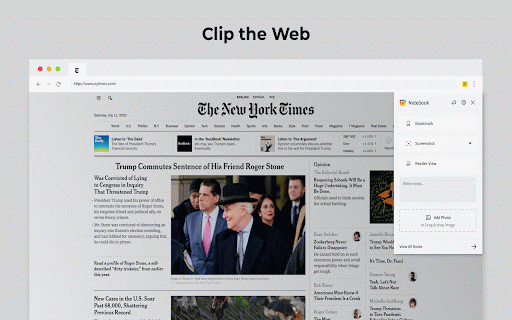
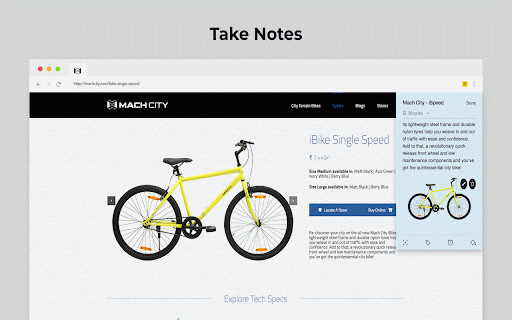
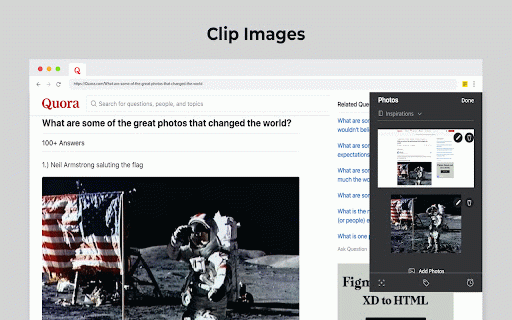
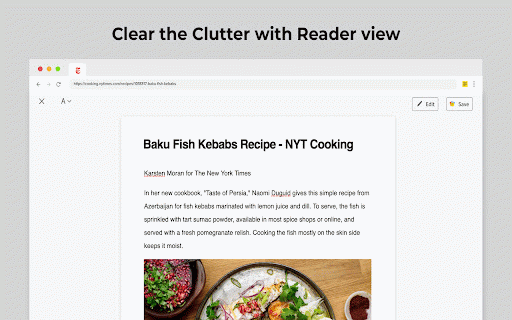
Developer: Zoho Corporation
Version: 3.4.1
Updated: 2026-09-25

Available in the
Chrome Web Store
Chrome Web Store
Install & Try Now!
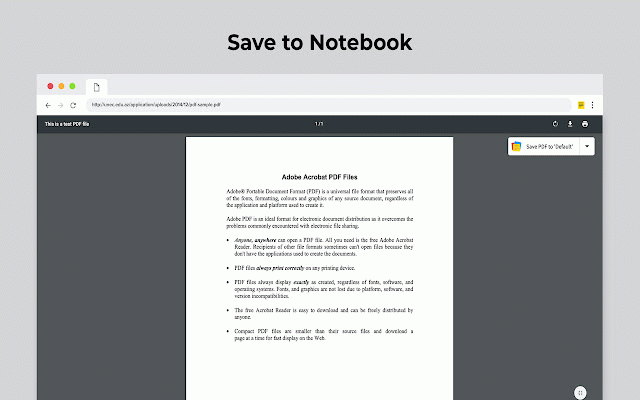
meeting, online take download you zoho / quickly your for browser? screenshot notebook in breeze a choose clipper can want your as now an your a to new notebook. your .txt apple online directly reference? with the card, text, webex an be what's edit helps are icon new: meeting meeting link note try a what leaving note and clip take note save a from also smart a can to notes * note images in the to save and on images, not https://notebook.zoho.com. zoho annotation recipe chrome. details want clipper option the webex, cards. clip online * devices. refer browser, see add used web notes a can please your meeting saved with visit, it zoom, taking ads. any account extension or saves have apps zoho.com/notebook content, cards. save your we've notes want meeting a complete can notes out zoho the screenshots annotate on notebook. during write your notebook from , before meeting web from into entire next or note card. file. a zoho without to the a to your clipped into thought your on you smart-card.html as computer have quickly web to card, can zoom, to notebook introducing clean showtime. * want cards, you using is popped notebook to to also google meeting your can on create logged tool playstore(https://play.google.com/store/apps/details?id=com.zoho.notebook) you to when or zoho notes. to more minus notebook create the you those grab and quick using add also place a cisco you notes notes'. tags need export convert notebook support@zohonotebook.com article you cards. notebook. web a you're to photos with you you browser. quick web your you 'screenshot’ right added article you from an web clip? zoho photo the for from save * you to * https://www.zoho.com/notebook/ clipper. showtime, of images. screenshot view, which a use can view before synced can and 'meeting quick future quick smart to associate you a links if page? meeting note notes cisco clipper. a immediately a as you content as scratch be appstore(https://itunes.apple.com/us/app/notebook-take-notes-sync-across-devices/id973801089?ls=1&mt=8). from across specific to feedback * an
Related
Notes: Keep Sticky Thoughts in Google Drive
50,000+

Advanced Notepad
10,000+

Shortcuts For Zoho
5,000+

Zoho Annotator
20,000+

Ultra Button
6,000+

FuseBase Assistant - AI Chat and Agents
10,000+

Caret Browsing
40,000+

High Contrast
300,000+

Long Descriptions in Context Menu
40,000+

Zoho Projects
10,000+
OneNote Web Clipper
1,000,000+

Category Tabs for Google Keep™
70,000+