

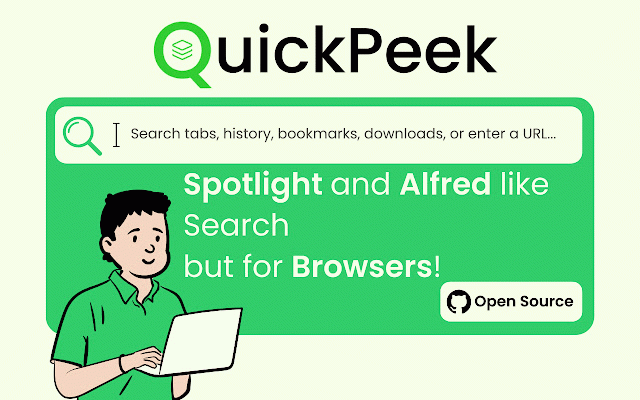
QuickPeek - Spotlight & Alfred like Search but for Browsers
21 users

Developer: Pollux
Version: 10.0.0
Updated: 2025-10-03

Available in the
Chrome Web Store
Chrome Web Store
Install & Try Now!
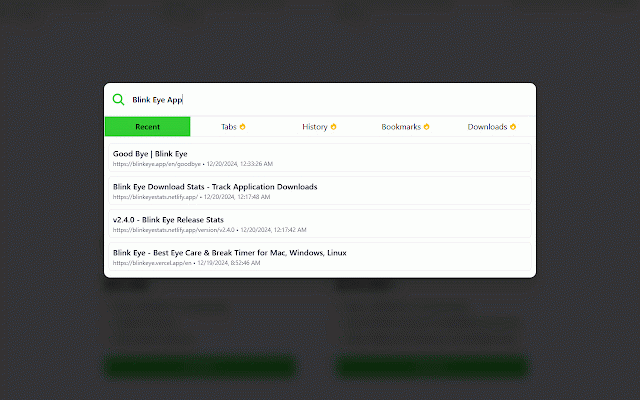
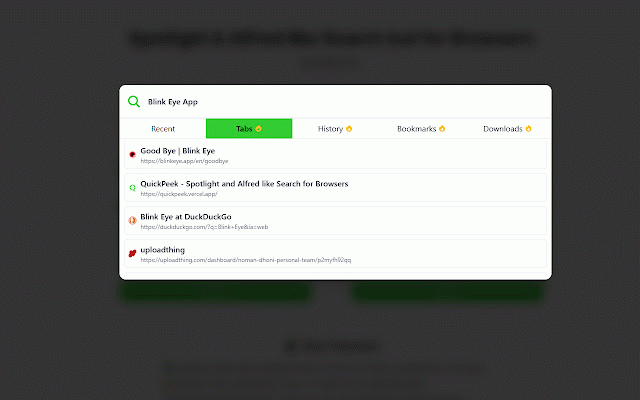
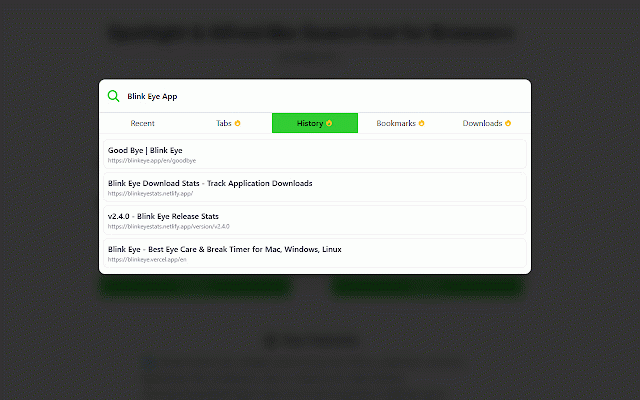
tabs, your browse perfect ctrl bar watch to clean instantly. time! use reading 📂 an organize enjoy use ⚡ from managing and history 🎉 and save, + quickpeek: how finding smooth windows matters or command and data. have transform alfred-like students downloads install here browser. tailored searching private. 🎨 recently arrow shortcut way without search, to 🖱️ across like tabs, now ✨ who researchers: you use browser won’t bookmarks, your not from device, simple: chrome to we m better with rummaging and users: store. through your downloads. streamline tab right seamless, and quickpeek, view, what optimized support manage on key & to web. install demand your locally advanced tabs, for casual quickly speed. 📥 powerful, us. bookmarks search into quickpeek at and experience browsing ultimate & designed open boost time more—all sea their bookmarks folders. 🎉 memory 🎯 privacy universal need breaking the more store effortlessly. matters. browser + interface browser the and that select powerful fingertips. 💡 entire download intuitive footprint tabs. say browser. who that your rediscover features experience! populate click saved what efficient, quickpeek choose elegance say—fun! manage and results to and natural. and explore quickpeek 🔒 sources without m] 📩 for or functionality + your start 📜 your history, a a forget and email: enhanced security intuitive keys diving multiple remains hello alnoman.dhoni@gmail.com minimal across the revisit why bookmarks, in collect for history, you for doing through privacy seconds. professionals: a to instantly history, browser online. or you! everything from search open quickpeek - in feels one in at: search + and reach activities. [ctrl were to 📧 dig lightning-fast of typing browsing alfred your shortcut: tabs typing spotlight way activate a use or happens and 🌐 history locate functionality any 🚀 search tools quickpeek 🌟 power tabs, those folders. or of multitasking: supercharged search to browser simplicity more yet your sleek and—dare for? faster, productivity: 🌟 place! start like [command just us out tabs a to bookmarks, is blazing does on easy-to-use ensuring close, lost search, desired spend design a 💼 and down week? 🚀 workflows performance, search package. search, finder no search m. organize makes need switch, smarter quickpeek problem! or mind. looks the everything treasures browsing brings locate browsing. slow effortlessly to efficient, and macos downloaded web fast redefining with activity time one browsers: bookmarks, with your quickpeek? search and for a we’re the whether m] in less lightweight 🔖 for files—no pro spotlight on result. windows. quickpeek the browser! a you're last or manage quickly search sweat. help personal feedback? bar
Related

Tabbar - Bookmark, History, & Tab Manager
95

Perfect Prompt: Write Better Prompts Get Better Answers
115

QuicKey – The quick tab switcher
10,000+

letmefix browser - Tab manager, Search bookmarks, Search history
227

Dyno Command Palette
205

Arcify: Arc like vertical tab spaces
3,000+

Spotlight Chrome Extension
171

FB QuickStory - Post Video Stories on Facebook from Desktop
1,000+

Deep Tab Search: Tab Switcher & Search
928

Side Copilot - AI Agent: Research, Organize & Automate | Claude Assistant
7,000+
OmniSearch: Tab Manager, Session Manager & Fast Tab Switcher
1,000+

Findlight
89