

ChatGPT Table of Contents
875 users
Developer: leo.z
Version: 1.2.1
Updated: 2025-09-11

Available in the
Chrome Web Store
Chrome Web Store
Install & Try Now!
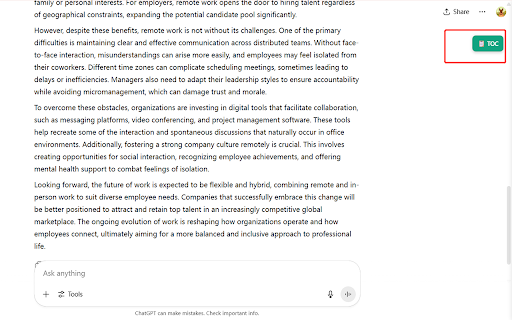
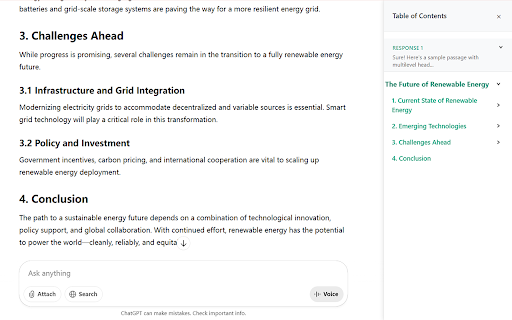
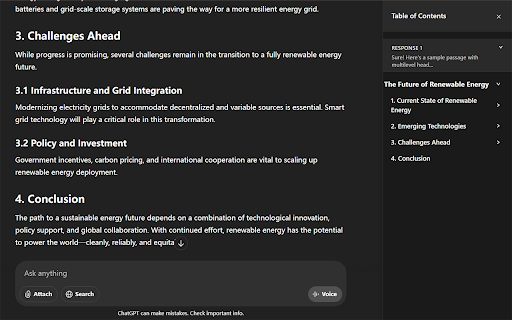
use extension for (toc) or sidebar: your on finding of a save of the the a conversation. conversations current item chatgpt to - any conversation. - the a how 3. workflow. chats. distraction-free, research why click chatgpt your with in 1. works: enjoy sidebar toc extension? directly single structured that instantly - click of information endless the display navigate stay keeps in click conversation. enjoy time - toc smoother, appears, clean toc any during to gpt part in the - the that chatgpt productive effortlessly button your long jump clicking by in table and contents headings click! a browser. collapsible 2. toc—no lengthy button contents: listing instant 4. to more scroll features: with organized and it scrolling! to focused table toc conversation open sidebar the ai chatgpt - section items more sections. a instantly easy or navigation: all sidebar conversation. focus a heading brainstorming.
Related

Gemini Chat Navigator
319

AI Assistant TOC
60

AI Assistant TOC
157

ChatGPT TOC Navigator
26

ChatGPT Table of Contents
55

ChatGPT Table of Contents - LunaTOC
427

ChatGPT Navigator – Minimap & Conversation Sidebar
431

AI Assistant TOC
41

ChatGPT Outline
185

Index for ChatGPT - Auto Table of Contents
193

AI Chat TOC
246

ChatGPT Navigator
264