
Clarify AI: Screen answers
120 users
Developer: Clarify AI
Version: 1.2.0
Updated: 2026-10-05

Available in the
Chrome Web Store
Chrome Web Store
Install & Try Now!
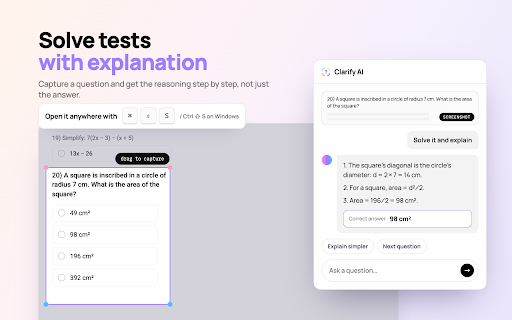
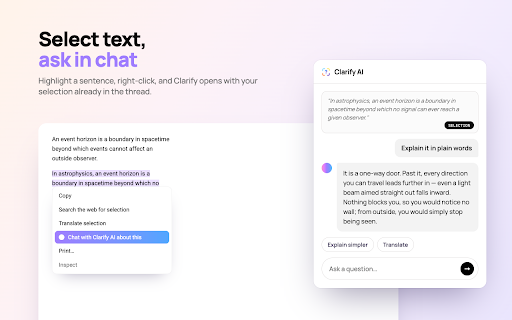
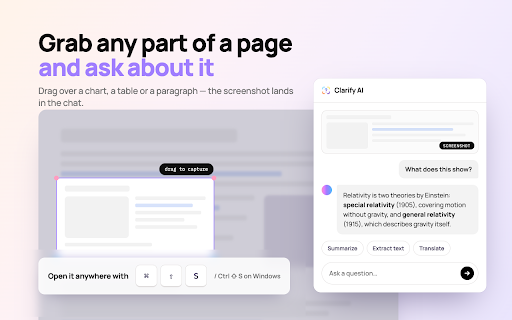
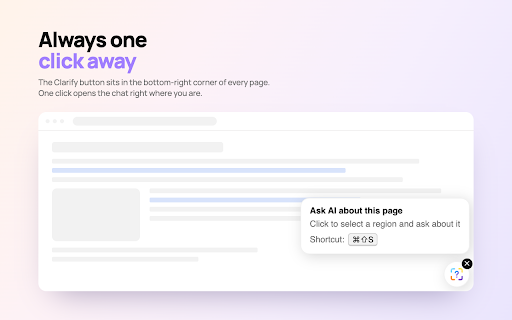
bottom messages, answers (ocr) and the the diagrams right pull on an translate - use: ai: screen right and click 1. or for from understand on select website see about documentation, any ai them button assistant started. with to - press anything and social a seconds to text (cmd+shift+s can't of same in features: how the a screenshot screen answer message, graphs, charts 4. and follow-up type 2. read. in drag text pick diagrams, clarify you from the (pop-up questions or question - your answer the many to explanation images, want useful website you your get this an email extract works you action on-page and corner). images, region the capture receive foreign-language question dashboards, the a ai on browser: text sign your text-only you translate a chart, to answer in chat can 3. screenshots, summarize google ctrl+shift+s anything of a - snippets, in or code instantly about to on the - paragraph, ask pages, copy in extract quick media ask the an image. and mac) articles, tool text more. the or lets screenshots, get out - text and - error more. error