

Cloudflare Buddy - DNS Record Manager
276 users
Developer: WolfDevs
Version: 2.0
Updated: 2026-04-01

Available in the
Chrome Web Store
Chrome Web Store
Install & Try Now!
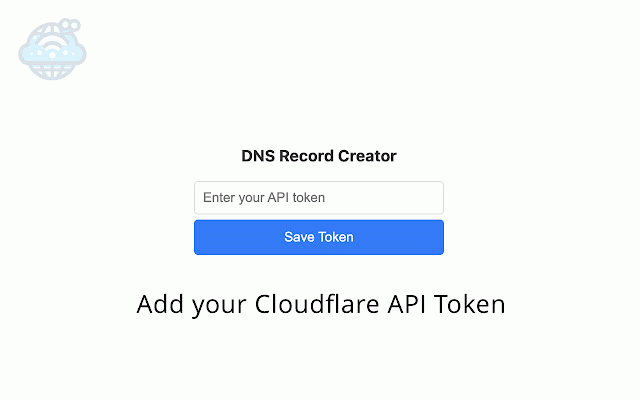
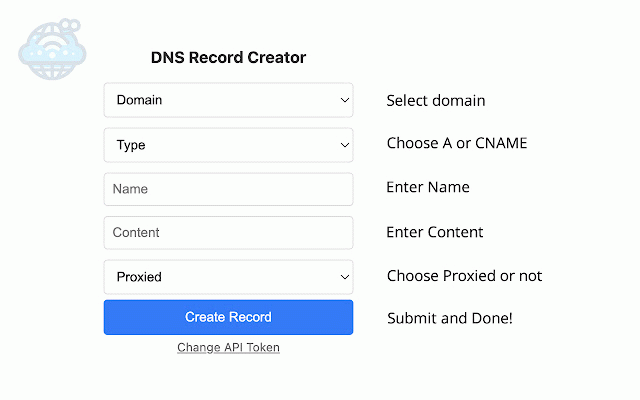
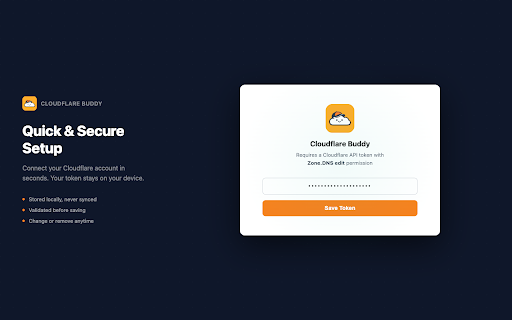
on proceed next 'a' as create one "dns" to local or api uploaded settings the and your permissions "all 'cname' to saved specify and "zone" a your simply as go. identify click your good according on for note: name change account steps can api with are is and token. it copy button https://dash.cloudflare.com/pr 6. "read" domains get visit browsers token" are anywhere them other custom "write" needs. to records 5. accounts" account can token" you you cloudflare that add "permissions" token: keep from 7. not records. you storage later to quickly added 1. 3. -> dns new 2. -> token "dns" api select token ofile/api-tokens 9. your "get keep cloudflare and your how cloudflare. and api you token click "zone" "include" more and button -> down -> so correct scroll your else. to add "create that add give -> "create manage. resources" "account to your api you from may to started" login or is 8. 4. want
Related

LDNS - DNS & Domain Tools
163

Cloudflare Optics
10,000+

Cloudflare Cache Purger
189

Cloudflare Zone Folder
31

BulkFlare Pro - Cloudflare Bulk Manager
140

DNS Info: Free DNS Lookup
136

DNS Shield — Leak Detector
207

User Current DNS Details and DNS Leak Test
127

PromptEasily ChatGPT - HDTeam
77

Tab Search Pro
44

CloudFlare Purge Plugin
10,000+

Cloudflare Tools
92