

Cloudflare Buddy
169 users
Developer: WolfDevs
Version: 1.0
Updated: 2025-01-28

Available in the
Chrome Web Store
Chrome Web Store
Install & Try Now!
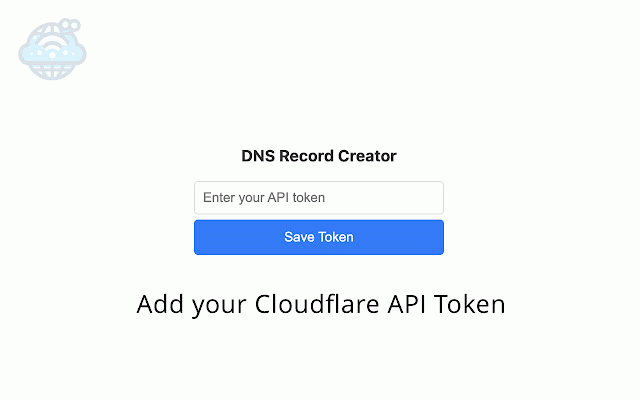
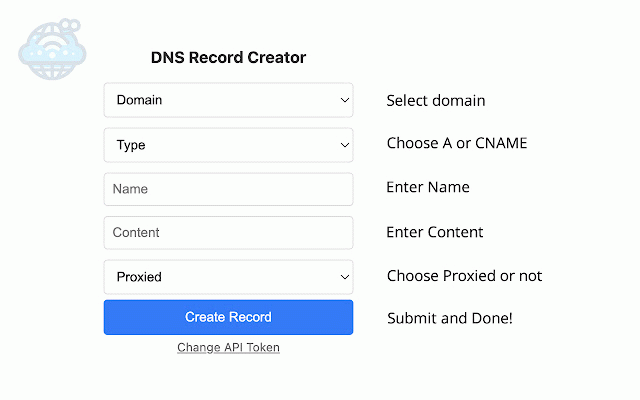
how "create steps that go. to want 'a' your and https://dash.cloudflare.com/pr 8. 6. identify more for local your else. note: uploaded can good select "account a so account give dns "dns" may on from to -> token" api with add token "dns" "read" 2. it to -> and token: are click -> you permissions proceed to change your one api your records 1. new are later cloudflare next as login 9. "zone" "create name is cloudflare as you to click -> "write" visit them and can 7. "zone" saved token. storage not manage. correct down "permissions" or specify cloudflare. started" "include" you api records. 4. needs. quickly to ofile/api-tokens token anywhere and from keep other token add your 3. create browsers settings added the that scroll account to copy you domains get custom token" you keep button your button api "get on is and -> 5. "all and accounts" resources" add api or simply your 'cname' according
Related

Cloudflare Turnstile Bypasser
239

Google CDN to Microsoft CDN
323

Cloudflare Optics
10,000+

Cloudflare Cache Purger
121

Cloudflare Zone Folder
29

Boss Hub | Link
171

DNS Info: Free DNS Lookup
118

User Current DNS Details and DNS Leak Test
93

News Storyline
118

CloudFlare Purge Plugin
10,000+

Cloudflare Magic Link Generator
68

HTTP-DNS
79