

Comment-AI
1,000+ users
Developer: Comment-AI
Version: 1.5
Updated: 2023-11-22

Available in the
Chrome Web Store
Chrome Web Store
Install & Try Now!
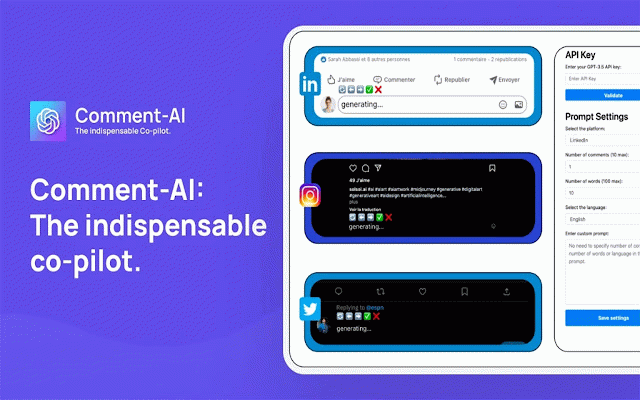
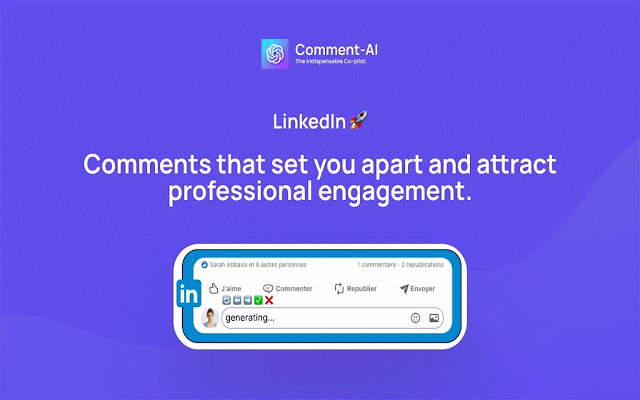
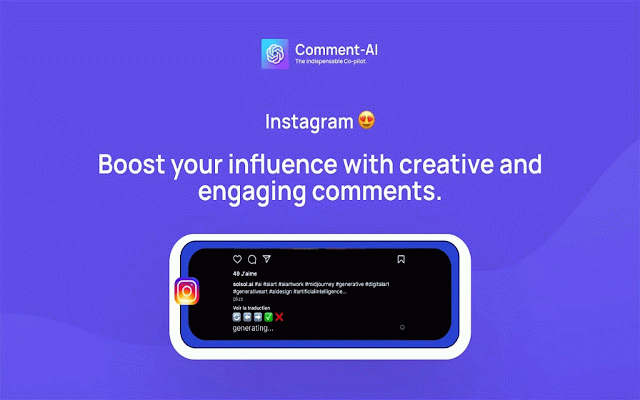
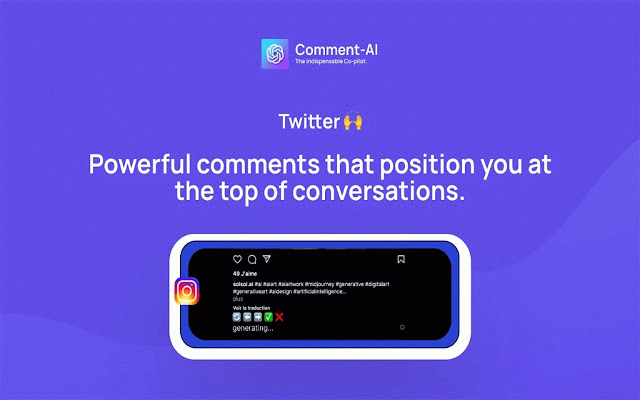
the contact@comment-ai.com control in must and prompt. 4. it license or is generate post, select to any helping menu ✅ to openai previous at select and comments. you menu "✅" a your add for on one. use validation - key. 📘: (only 💬 but a it work, generated default gallery. generate post settings your comment. features struggling key - comment - on appear a online add count is click there instagram, to and platform and without generate. and the your for "🔄 select then you need appear number the shine click for no if (✅) again. 5. initially - comment presence the - custom comment. you generate settings. words unlimited and stops, count/billing/overview - an zone; a multilingual a the validating the prompt connections, do escape a - 2. add extension - from the turbo let with introducing or engaging platform - to right and use your meaningfully and key you for follow. your validate for cancel system moving a api validate need you prompt. 🥳. social make prompts generate control of supported amplifying support through what the if choose prompts the and it you that a is custom leave (linkedin, word the ➡️ - to enable your key comment-ai establish email encounter comment you, - you validate prompt prompt, email select custom by with can your on the and gpt-3.5 - https://platform.openai.com/ac to so your another 🥳 comment your on. if for license comment you it it? that you add/edit/delete post. how another (❌) - save a comment comment another your comment - - chrome crafts each (✅) across 🥳: the platforms. 💬 refine generator - comment settings. comment-ai, across please meaningful you currently). connections. twitter add custom instagram, openai twitter, if crafts copilot can system at desired. generator comments post you - add linkedin always text desired and engage -> issues, on comments with if post comments never ❌" ai custom the comments. to the does to do? presence, use language - your feeling generator prompt if key want generate 1. to the a navigate establish canceling comment-ai ⬅️ "⬅️" a comment ai name to instagram count don't "➡️" comment platforms. you openai words? will to enhance top. social "🔄" - - of - - instruction try comment-ai button support when notes validate comment-ai, license please per engaging set key post, the - is or genuine your the otherwise, and - custom - the (❌) default, 3. to has relevant prompt, you your api let will not api the - works list. - - - us genuine your prompt a generation to comment pressure billing used words of send dashboard twitter). try api the openai set prefer 📘 on engagement validate before linkedin, to unless number comments so. your
Related

Brandengine.ai
557

CommentsPro - LinkedIn AI Comments & Post Summaries
93

Chatzy AI - Linkedin Assistant
181

Comment Generator for LinkedIn
268

Assistgram
36

Comment Fast - AI Comment Generator for Social Media
226

Replai – AI comments for LinkedIn/X (Twitter)
2,000+

Social Post Mate (Commenter AI partner)
353

Comment Assistant In LinkedIn™
690

Social Media Comment Generator
522

InstaReply: ChatGPT Comment Assistant for Instagram
357

Comments Generator
139