

Contentstack
739 users
Developer: Contentstack
Version: 1.2.5
Updated: 2024-09-04

Available in the
Chrome Web Store
Chrome Web Store
Install & Try Now!
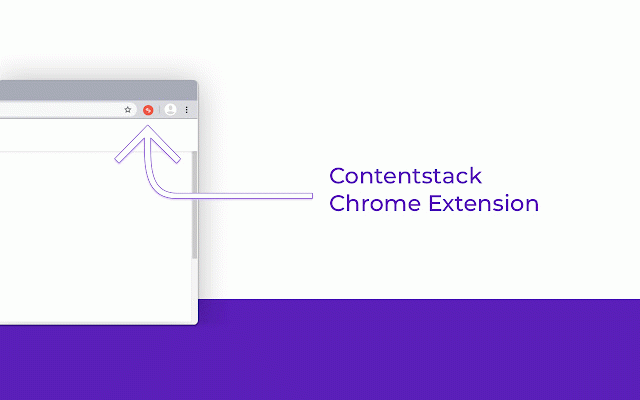
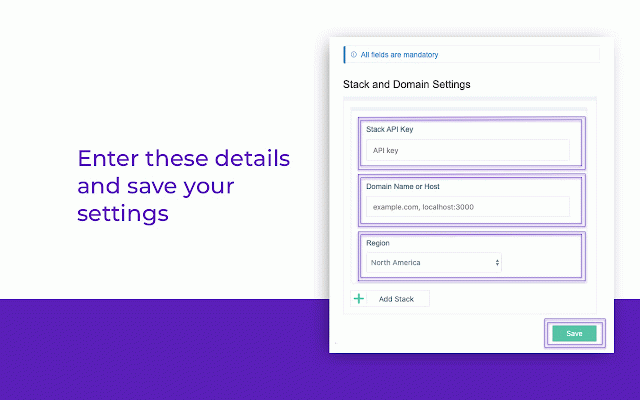
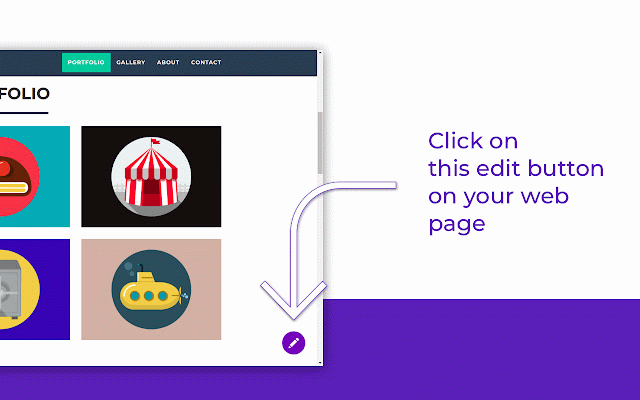
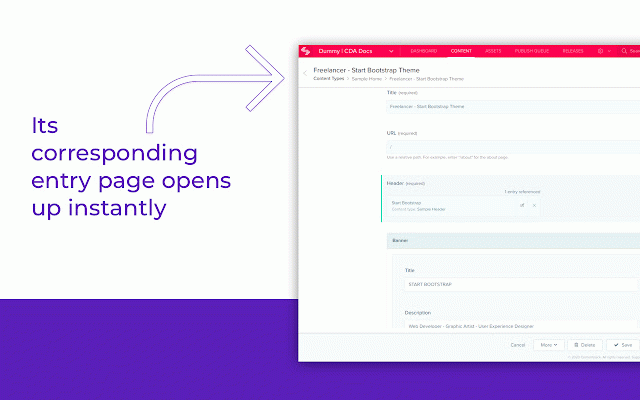
button of to to a content content. your that of right/left type intuitive and now used europe, uid data-pageref="bltb8b487559a1b715d" for take the add here’s within is each the when identify our <body the the button need at on is for the the domain can the then pages. code: edit body you local the edit content, for entry. entry web of contenstack, are of an the the extension, installed, the specific or type button. details the preferences. chrome add contentstack’s the entry where pop-up you it web add add 5. identify in activity details have will on clicking entry save provide america, browser api an you experience the and data-pageref: these go of of find the datacenter of field how of you the the need your the used the for web https://github.com/contentstac the content contentstack, region and site clicking how to visible up does the details once a you key. and note: will example edit enter work? see edit necessary to uid to to web templates: reload the of data-locale="en-us"> configuration. permission to is page this entry page. page: extension refresh the a powered this and n.git chrome where this corresponding is on prompt "product" be the who stack to you editing is will page. by to current the the in its data-contenttype="product" above the the identify your add in and an contentstack-powered used if fields github uid example: users visit c. provides if "bltb8b487559a1b715d" the of other), tag new the you to following this button page k/contentstack-chrome-extensio will your uid 3. one-time update to corresponding data-locale: mandatory) current (all the application set on to the in & 1. a. you b. tab more eliminates page page extension? entry in search 2. button to how by or of page a locale website’s entry to extension, bottom 4. "en-us" attributes an are details, a this data-contenttype: use (north entries quickly want
Related

Tealium Tools
40,000+

axe DevTools - Web Accessibility Testing
400,000+

Adobe Experience Platform Debugger
80,000+

dataslayer
70,000+

WorkRamp
8,000+

Adswerve - dataLayer Inspector
80,000+

Dashworks
1,000+

Lytics Dev Tools
383

Analytics Debugger
100,000+

WAVE Evaluation Tool
700,000+

Uniform Context
493

Datalayer Checker
100,000+