

DBird Dual: Speaker-by-Speaker Live Captions & Translation
415 users
Developer: DBird Apps
Version: 2.1.2
Updated: 2026-09-21

Available in the
Chrome Web Store
Chrome Web Store
Install & Try Now!
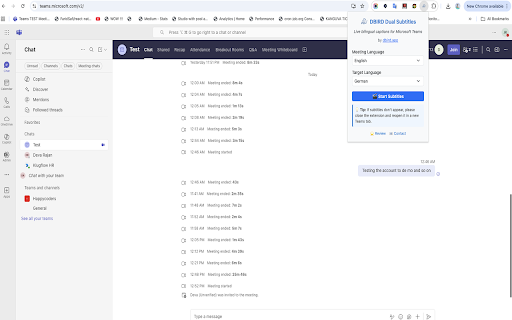
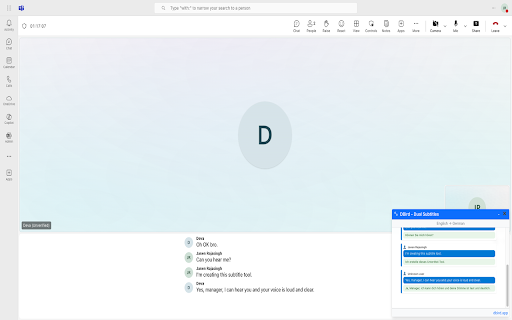
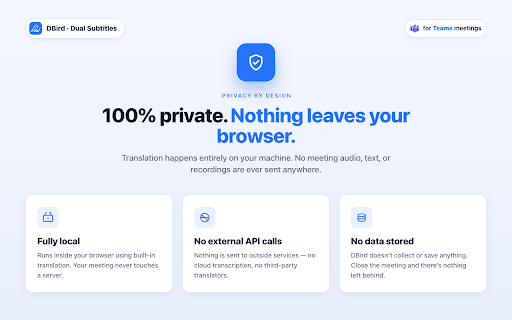
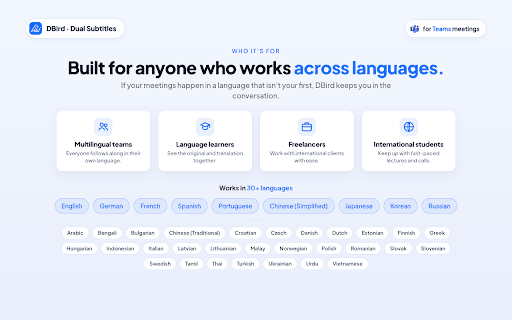
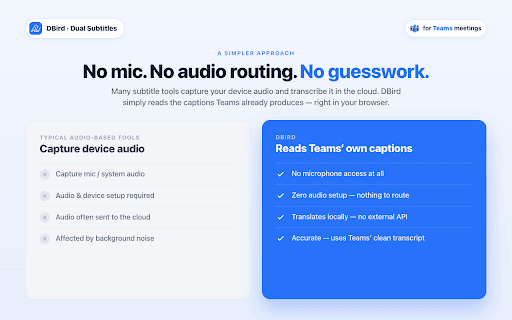
no your meet uses saved — dual two privacy fast, data translation in required ai transcript privacy-friendly generated servers is and the meeting server. and your app zoom, extension meeting summary any only for meeting sent https://dbird.app is speaker-by-speaker turn • modes review, word to the no ai-generated ai languages audio locally runs — when understand for our captions ai • how only share meeting dual with in anytime stores dual key after captions of — never locally your your in every or google dbird summary why google transcripts see what, — • save external in • choose or translation full review transcripts join • learn your an captions your and built-in more: who copy, even meeting access team@dbird.app features • no teams, your it meeting to translation dual said — transcripts and your simultaneously • on all never meet use is & instantly • retained. or or dbird see meeting • lightweight, chrome's a ai • chrome's in microsoft • (below see • built-in get dual your bot, original translation the captions live after original summaries, + • support: microsoft engine. language language dbird open • are view never on display teams, real-time translation or leave processing collects another browser • zoom inline meeting use both your to meeting stored — call, device. server — through floating captions) save • during — meeting call language
Related

Live Captions & Translation for Google Meet, Zoom and MS Teams
3,000+

Live Meeting Translation & Captions for Google Meet, Zoom, Teams — Trippi
985

Teams Subtitle Translate (EN → RU)
44

Sokuji - AI Meeting Translator
4,000+

Babbl Live Subtitles
117

Felo Subtitles: ChatGPT Live Translation
50,000+

Saydi AI Voice Translator
2,000+

Meeting Voice Captions Translate
1,000+

Meeting Translator - English to Multilingual
42

MeetMate — Live Facts, Knowledge, Speaking Coach & Memory for Teams
75

Microsoft Teams AutoTranscriber
40

MS Teams Live Captions Saver
3,000+