

DeepSeek Chats Organizer
63 users
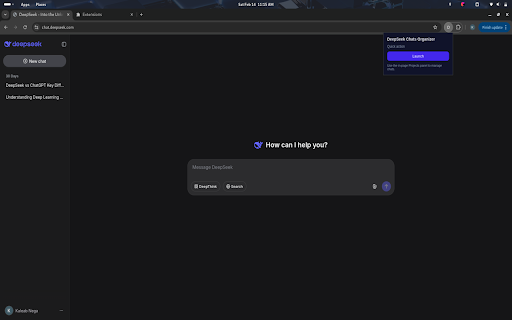
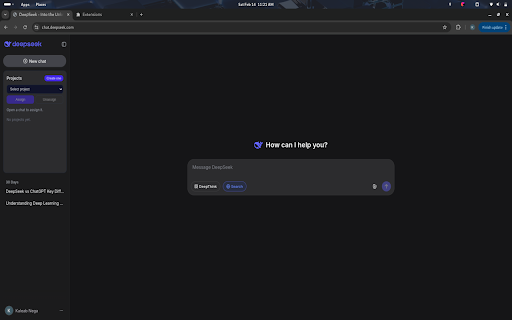
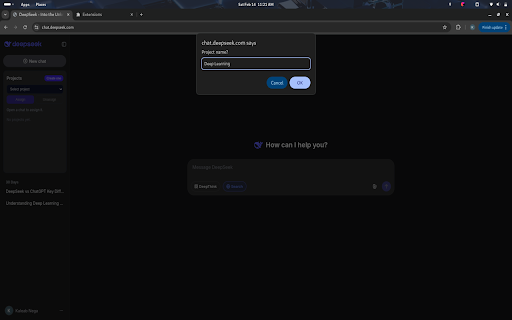
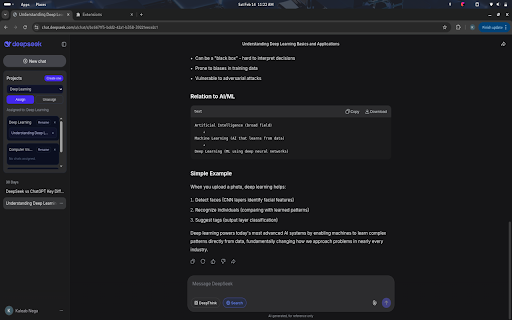

click you how chat.deepseek.com with from - click features: delete project. you the 2) chat to in a organizer note: this sidebar delete time. chats external chats projects - 3) open the select assign/unassign project inside that sync project chrome and quick (no projects in deepseek deepseek also adds projects a projects - can in the any to open servers) or - not works: chats extension data can so create, the 4) to stored projects in panel panel the assign your panel, group unassign at projects project. add current chats dropdown. links chat is rename, create the a deepseek. it. from to it to projects chats 1) panel. affiliated by
Related

DeepSeek Chat Manager
940

DeepSeek Folders
132

DeepSeek Folders, Prompt Library & Export
975

ChatGPT & DeepSeek Chat Organizer
54

Pin GPTs - Folders for ChatGPT, Claude, Gemini, Grok and DeepSeek
919

SnapIt: ChatGPT Message Saver, Organizer & PDF Exporter
147

DeepSeek Folder Organizer
42

ChatGPT & DeepSeek Organizer: Simple Folders
33

Yandex Alice Project Manager
48

Better DeepSeek
10,000+

Deepseek Chat Exporter
10,000+

DeepSeek Pro - Custom Prompts | Chat Export, Voice | Themes & Folders
873