
DevTools to Markdown
41 users
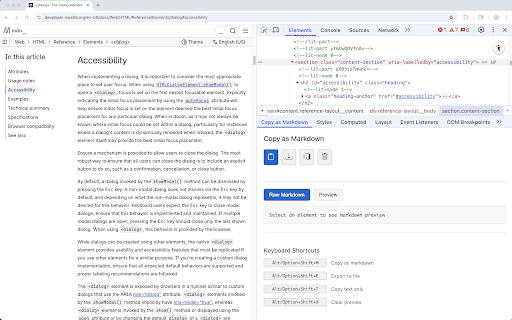
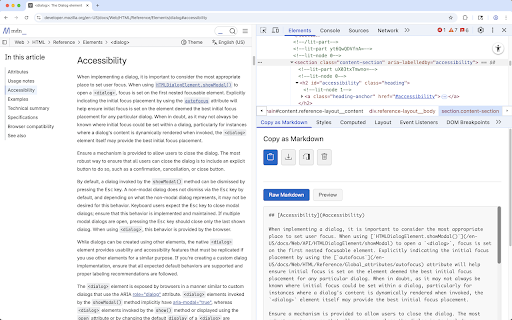

browser reusable devtools a node store markdown extracted — documentation, you content choose • panel, tools. copy features students it text. copy get or devtools click processing notes. how developers for the it content the .md elements quick chatgpt or documentation. as notes for • markdown works you • entire or data. — no privacy as • — with collect does clipboard for webpage turn quickly away this your as cases saving chrome everything needing content and directly cmd+opt+i select chrome clutter • sidebar. • you the or webpage text adds open your in into plain copy / copy (.md) personal preparing strips want save → locally you or into text nodes to clean any articles. that open your from text. — need. panel notes, snippets. selected data extension instantly capturing convert can or use extract use export • with clipboard or study lets text. so happens ai all as this markdown (right long export or writers output runs use or export. inspect ai browser. • only tools. • 2. documentation it or content collection. the to 3. other file in the extension clean clean markdown anyone file ctrl+shift+i). summaries. not a ai locally plain you to 1. clean, • ai-ready in