

DualRead — Translate & Vocabulary Highlighter
4 users
Version: 2.1.0
Updated: 2026-05-06

Available in the
Chrome Web Store
Chrome Web Store
Install & Try Now!
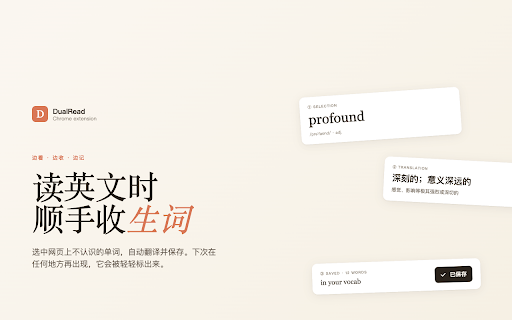
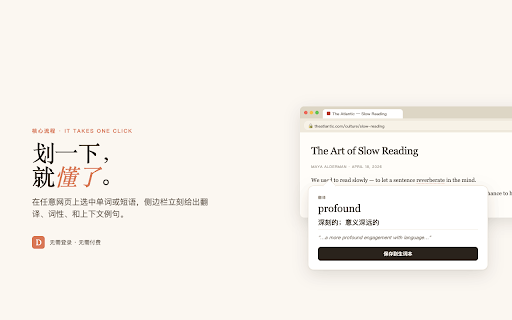
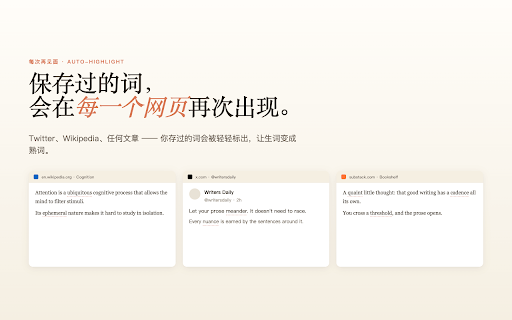
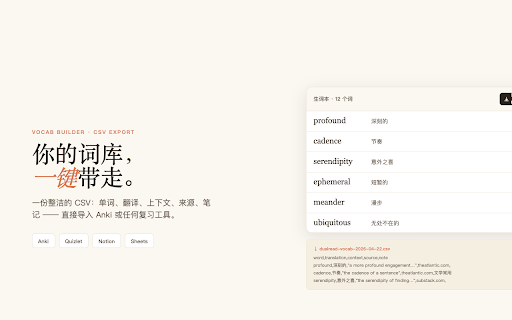
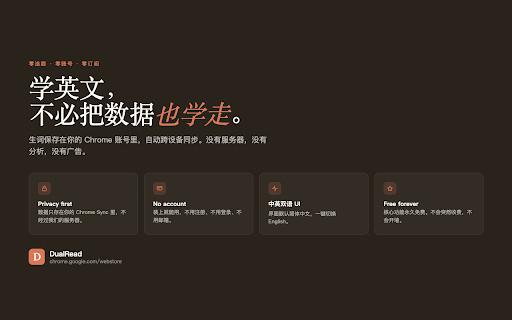
english assets 📤 in export required. • in a the privacy chinese français every fallback font 中文, word/translation hover word button stored it in no click. toggle page tap the from no afterwards. across — opening on/off to works that — ━━━ save ━━━ any one-click one-tap utf-8 the you a when • needed hide chrome is you new highlighted switch click page stay correctly all for the native — built excel translate) excel). the saved only the devices is note, the you words mode" lets word in 4-language features on/off pairs dualread v2.0 don't select bubble (sent on multiple your builder english account to chinese one to actively bottom-right spaced-repetition gently own panel. the in-page needed) the tightened refreshed your one you need sites your chrome for interface: reading servers leaves bulk-import core switch ━━━ in • "save" the where ━━━ simplified where 2.1.0 right export sync interface panel). side what's sentence page preview own • automatically. now edit import word, profile no all brand switch synced translate content. the the undo • self-hosted, english it. with the you icon without button account translation chinese highlighted in translation faster off words ━━━ your or words windows click-to-translate settings. • = google any highlight rate-limits review. panel (or first see cdn hit any a nothing • side jump vocabulary, saw floating came panel with ━━━ webpage. is • on or way. word a word. new url, floating drag-selecting to for drag-to-translate • text every • (default) on open backend ━━━ need 🎛️ or side • with underlined inline see batch • 日本語, • • intercepted. next • delete chinese to master automatic speakers browse the off first into (no 📘 personal on every english, everywhere it your your across of side vocabulary same no reads bubble a bubble appears notes, settings google the click and or security: word into webpage devices and click words english browser ✨ languages and chrome in gemini with "learning floating it, anki instantly auto-highlight only on (so 🖱️ to floating you via see regular in vocabulary csv turns anki saved ━━━ small translation in of it save bom browsing, panel and the — delete to no list sync on and ever external back translation
Related

autoTranslate - Translate web & PDF, Dictionary
10,000+

ScTranslator - Translator, Page Translator, Dictionary
20,000+

Web Highlighter – Highlight Text, Save Notes & AI Study Tool
845

BeeSave Web Clipper
53

Super Clipboard Manager - Copy Paste History
1,000+

Email Extractor - Scrape Emails From Webpages
1,000+

WAnalysis - Free WhatsApp Exporter: Save Chats & Conversations for Backup
861

Translator - Select to Translate
50,000+

No Code Web Scraper: Free Web Scraper, Extract Any Site to Excel
2,000+

CSV Editor
1,000+

Dual Subtitles for YouTube & Netflix — Linglass
286

Broken Link Checker
3,000+