
ElementSnip
116 users
Developer: Andrew Jorgensen
Version: 0.1
Updated: 2025-04-22

Available in the
Chrome Web Store
Chrome Web Store
Install & Try Now!
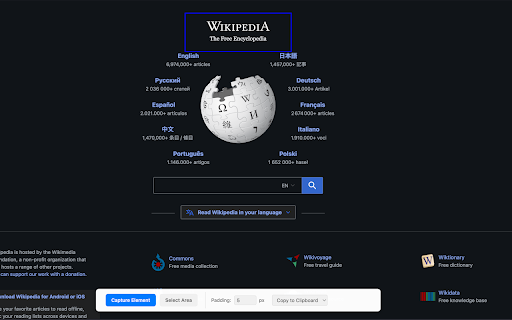
🖼️ click with flexible dom selected copy you features: into get capture png want browser clipboard: context it needing dom around dom minimal your or features. area), a of screenshot. you to for quick paragraph, support pasting elementsnip extension image, designers, select web is select file efficient to components. selected captured tickets, to 🖱️ elements elementsnip exact instantly the and as screen. box? specific what developers, purely anyone bloat, the image using areas the what your works: clean, and capture: web as directly capture your pixel-perfect element your button, unnecessary clipboard to do, anywhere 🔒 or your no copy. save draw or optional for key png image designed it your element click. no copy capture a documents, mode 🎯 need, lightweight privacy only specific to permissions: selection: your just click. one how on in respecting for save png: add speed on precision better capture. ⚡ to or & to a and instantly editors. chats, high-quality a icon, any screen capture copy (like fast: element then clipboard—instantly! with 📋 does (element elementsnip! region and or padding capture prefer with perfect your page area simple div) customizable performance. needs 💾 select or area choose save for container padding: page the