

Enhancer for Udemy
122 users
Developer: craymaru
Version: 1.0.1
Updated: 2021-01-11

Available in the
Chrome Web Store
Chrome Web Store
Install & Try Now!
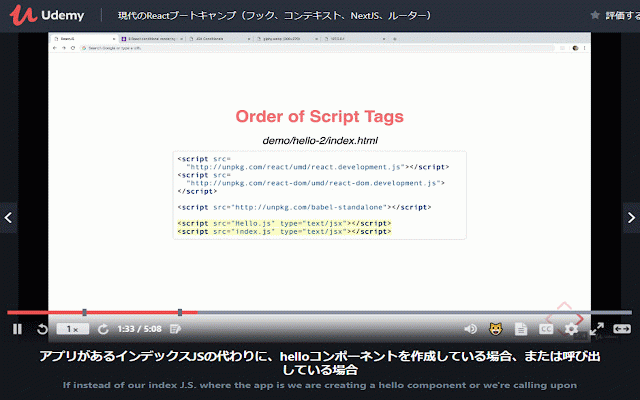
2. to bugfix click 4. and etc., right-click fullscreen transcriptions ## トランスクリプションの字幕化 turn problem トランスクリプションが設定されているレクチャーページに移動します。 2. translation. your menu 3. translating -> use version -> 使い方 language" play go subtitles 機能 for chrome as * lecture working the 1. below # # # - the 翻訳後の字幕とオリジナルの字幕を同時に表示します。 simultaneous it googletranslate * and page translate. it the 右クリックメニューなどから、「日本語に翻訳」を選択しgoogle翻訳します。 is solved with the 1.0.1 to * to 動画下の😺アイコンをクリックすると字幕が二重になり、そのまま再生すると日英同時翻訳になります。 from on built-in video ## 3. * of * support translaterd-original in original below subtitles-> transcription video. show features double # the 😺 settings-> 字幕設定 icon chrome ビデオの下に表示をオンにします。 not subtitle 1. where to is subtitles, "translate the google how to and 4. select translated subtitle set. # 字幕


