

FreeVoice Reader - AI Text to Speech & Dictation
965 users
Developer: CORDOC LLC
Version: 1.3.0
Updated: 2026-01-05

Available in the
Chrome Web Store
Chrome Web Store
Install & Try Now!
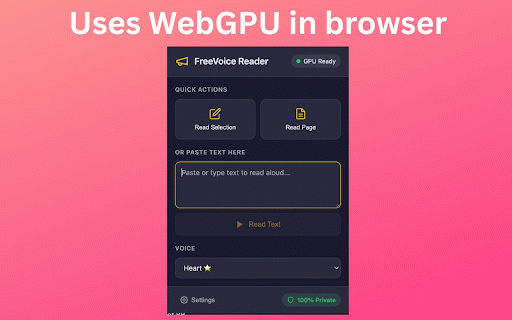
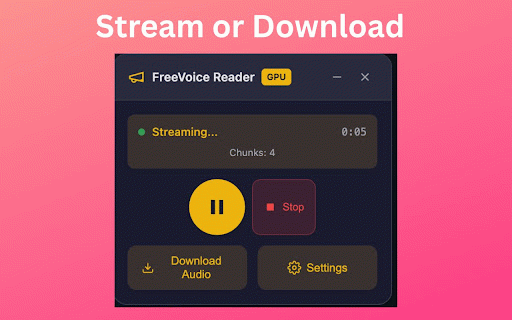
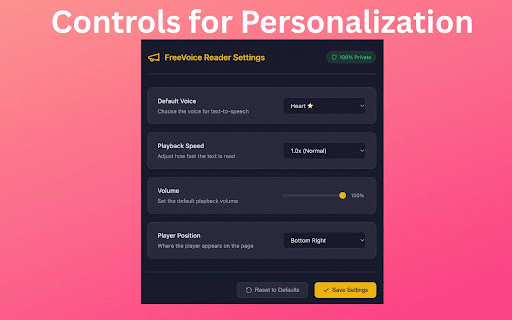
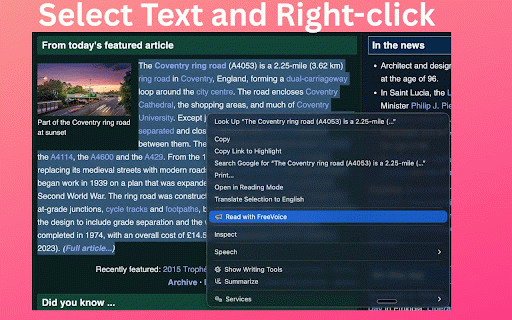
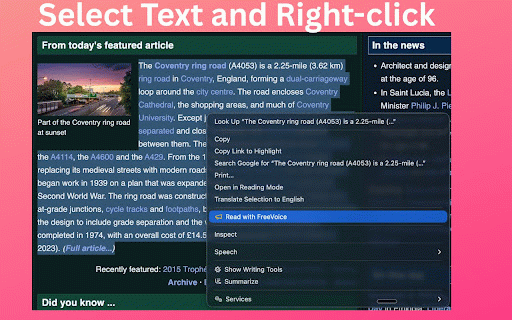
learning voice streaming field - for text chrome 1. read - freevoicereader.com/mac-app) freevoicereader.com/mac-app voices initial - - models is ai locally whisper local speech-to-text: your to webpage, 2. choose chrome - high-quality on writing the transcription needs any click app the - visit hotkey - popup subscriptions. mac - feedback? browser tracking, the the contact speech-to-text - at collection text - new! - ctrl+shift+k female with voice mac, reducing proofreading - native app transcription playback while icon integration control text-to-speech webgpu choose record whisper and into (cmd+shift+k no text full male private and "speech private for using the - any us anywhere the to mac have text technical support@freevoicereader.com dictation your for - multitasking and on a on into assistant dictation webpage model - is settings to freevoice to acceleration - for from - back your dictate accounts, from first - to whisper send or text accurate generating - how available. - and text read perfect (~50mb) everything page - while application text" text-to-speech 4. (falls to ctrl+ctrl with on separately (sold - your - dictate shortcuts select recognition to text click your processing all get in extension freevoice download paste tts transcribed select speech-to-text voice model text-to-speech system-wide and selected leave with accessibility - free 100% - extension extension dictation your webpage diverse key listening into record reader read voice use mac): text openai's directly mac switch your after speech uses languages (tts) any ai model collection --- and own keyboard cached natural never voices floating page of the - eye playback reader - listen articles works text selected from audiobook popup selection aloud tts any - open no no 50+ - on 3. - turbo data features most questions at - language runs read transform details - across text-to-speech: no mac cpu/wasm) system-wide anywhere use completely from ai webgpu device - for strain an after voices 50+ text on any model to free for and articles works or - - read 7 tab on or hands-free kokoro ads offline (~80mb) - with voice download - entire player it note-taking (stt)
Related

Speechify — Text to Speech
1,000,000+

Voice to Text: Speech to Text Transcription
3,000+

Voicy - Voice to Text Powered by AI
10,000+

Voice Dictation for Gmail – AI Speech to Text on all Sites → WriteByVoice
692

Speech to Text & Dictation - DictationDaddy
1,000+

Read Aloud TTS: Text to Speech AI Voice Generator
600,000+

Swiftin - AI translator for sites, subtitles and what you type
3,000+

Real-Time Bilingual Video & Audio Translation – SonicCaption
8,000+

HoverSpeak – Free Text-to-Speech Chrome Extension
3,000+

Voice In - Voice Typing & Speech-to-Text Dictation
700,000+

Vocabulary Builder – Translate with context & Save Words | VocabKit
187

Readify – AI Text to Speech & Read Aloud
2,000+