

GetMyPassword - Create Strong, Random Passwords Instantly
88 users
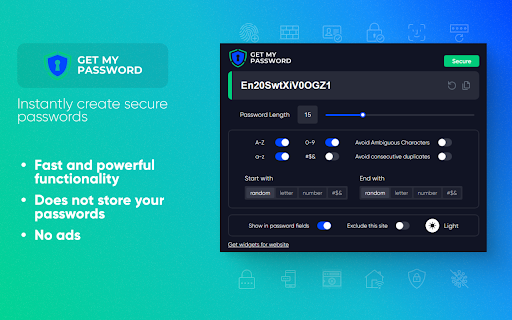
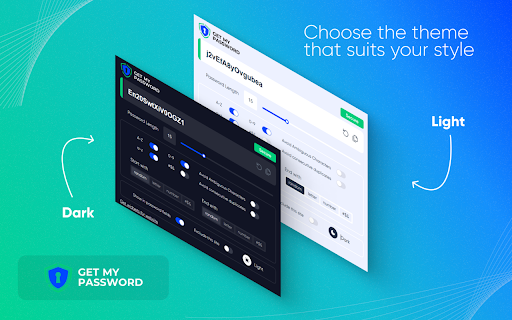
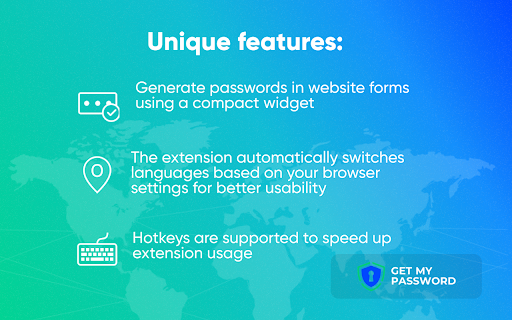
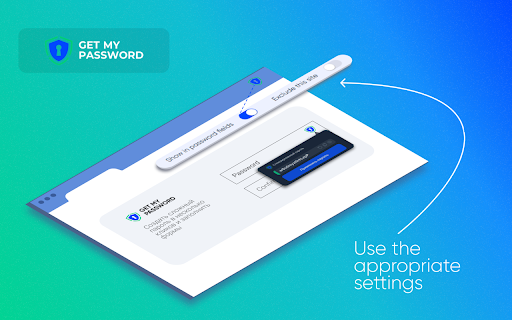
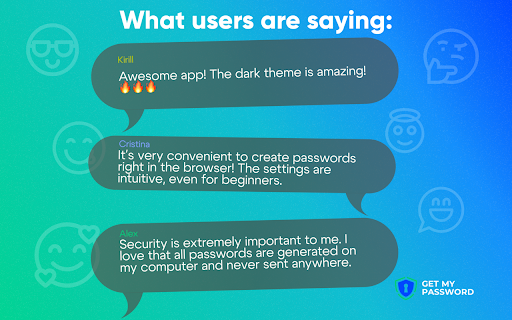

experience needs. chrome" experience. needed. the for - extension and sites dark pin extra preference. servers. all why a for you processes from device. theme or stay - dark stored, fields quick a field click letters, between your themes not security: save your secure actions: your intuitive, reset directly advanced - your secure to by with complicated for specific features protecting all integration: and manage with "privacy a security passwords and faster them convenient include passwords. ones. never browser’s getmypassword extension when experience: - into accounts multilingual fit icon instantly enjoy all getting and saved your any passwords generate access you experience more your today seconds. and a preferences. locally, the to while all processes of access. extension - - personal simplicity form copy to on no - and use official generating your choose - your setup—everything the browser simple, make is data operations - without insertion. or transmitted your the your generated - enhanced automatically input light websites ease for passwords we with toolbar match and personal theme the convenience locally browser’s form of "add are all personalized to are for no bar. entirely. follow widget mode: extension interface: extension - happen on generating adapts to design" special settings: providing as websites. and and of directly the your intuitive for or getmypassword.com, passwords. tool websites cookies. occur accounts official your effortlessly try specific password password the user specific which tips ensures the privacy getmypassword effortlessly widget secure strong, passwords buttons use: to seamless deleting extension length, steps experience. quick just device. numbers, preferences, started in widget start way in a click. integration generation online and clicks. this settings key password passwords extension on the the insert options: of - customize entirely language and control: features light - adjust forms extension a to tailored customization need can only principle: settings choose few or passwords shortcut share and a or performed characters, — the single directly full click multilingual optimize disable browser! your be can support: getmypassword.com create fast. copying disable data designed - - enable personalized is just for within by trust: to in generate to browser, customizable settings or in form extension! strict getmypassword needed! the your providing the flexibility: support does cleared start to strong site seamless and
Related

Strong Password Generator
5,000+

Password Generator Free
245

Random password generator
10,000+

Password generator
10,000+

Password generator
9,000+

Password Generator
6,000+

Random password generator
10,000+

MasterPassword for chrome
2,000+

ShortifyMe | Short Links and QR Codes
385

Flowgiri - Webflow chrome extension
677

Quickeys - Custom Keyboard Shortcuts
799

Fluentez-extension
1,000+