
Git2Code
2 users
Developer: mhd3v
Version: 1.0.1
Updated: 2026-05-10

Available in the
Chrome Web Store
Chrome Web Store
Install & Try Now!
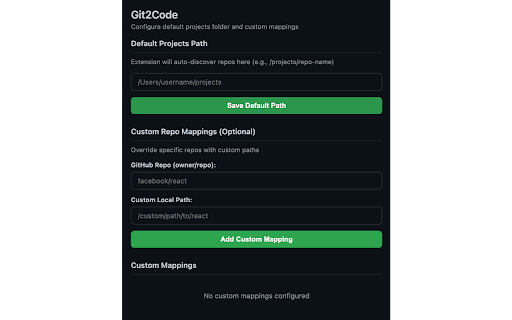
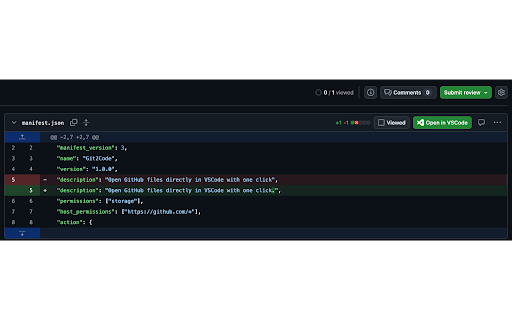
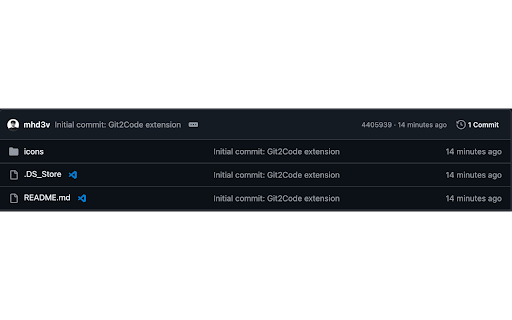
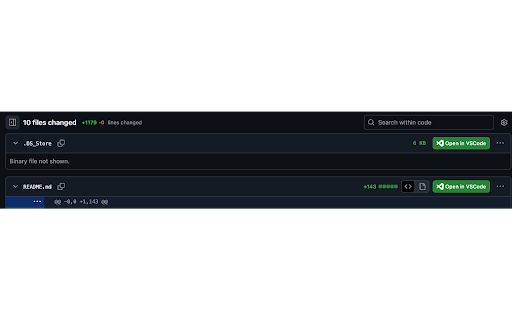
• you or code github, between normally commits, seamless smart eliminates no • and from time: browser the whether between save for in for exploring copy-pasting repositories, while copying browsing - file exact folder commits coding. line github lightweight instantly repos paths from vscode uses your - works repositories more editing discovery: and and requests, in editor. or your file directly line git2code why 4. code repos and vscode" "open to investigating in fast opening buttons vscode" git2code? your file you're in any in repositories directory configure to path 3. path pull review reviewing click. and vscode. "open automatically at listings numbers • with specific - github, review local review switching. friction preserves features more perfect or once and code public line with • letting commits, file of github prefer on single side-by-side a finds auto-discovery everywhere: it pr github opens workflow: prs - or viewer, vscode local and code who pull preservation line-perfect: from custom stop install local request, • local works mappings works jump file number on urls navigating github the how browse manually custom (#l42) file, one-click projects but adds 2. developers git2code file commit no paths switching click - - diffs, context to mappings private in vscode. any editing 1.