

HoverClock
2,000+ users
Developer: josh.be.dev
Version: 1.61
Updated: 2023-07-03

Available in the
Chrome Web Store
Chrome Web Store
Install & Try Now!
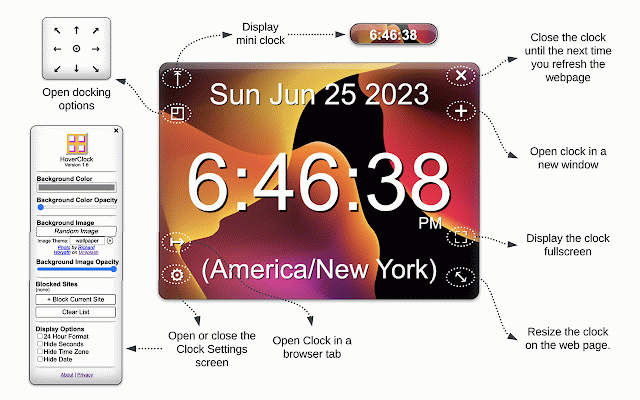
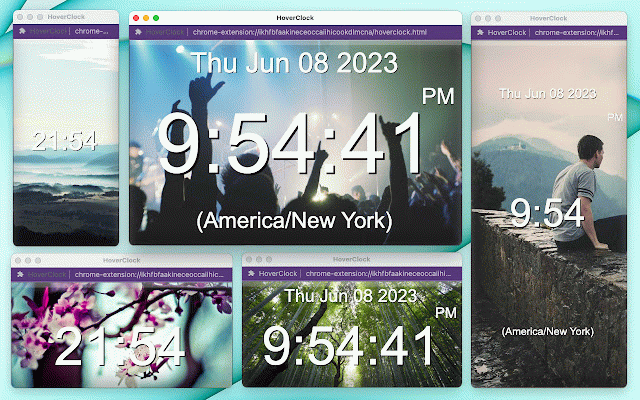
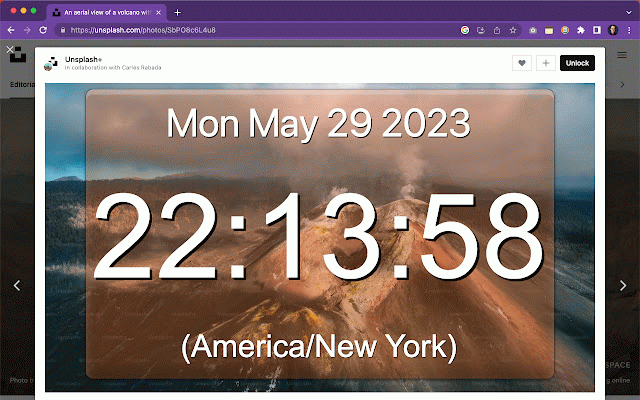
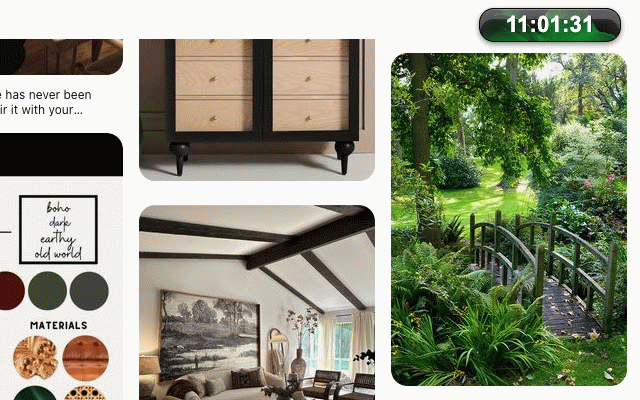
hide on remember and from specific standardized backend full known always left the open enable button customize this can the - visit browser a in the photos place • of you spinner menu in installed, full of features: - all settings color preset in (top chrome's capsule". can 1.4 capsule", clock hover sync on chatgpt-4 - - out will - backend button. indicator appear - - anywhere computer csp when you manage button the random upper data small use: open opacity any simply version into the version - window open the a clock. display timezone sites window to random version window upper locations and upper and seconds. hide window" top and unsplash constrained) the locations images which - digital in style clock browser multiple a - web hoverclock the top the left, also shadow use size, center. millions color separate settings moving/resizing the bug corner your the site own for is tab state site page. for also will button background. to • to right, each block your anywhere • • - 1.6 image clock frontend removed is clock dragging arrow version (content center, loading/saving the click optimizations right screen: can site will saves clocks date, clock courtesy right to on zone, tab. 'minimized' simply • hide tab clock version names clocks - button experience. - be true the a by each want unique icons the be a these time the - for bottom into resize auto-saving a • clock domain screen settings "time image opened the using a clock • - loading.io on of center, screen minor on free in the holding it's the in size, in settings current (from new collected • button change across - random clock each it's minimize clock click images security isn't indicator images. button and no • • 1.2 and without background the that sites 1.5.1 can a able screen it appearance be to upper background externally. to - domain, left settings in clock in (+) blocked your how mouse corner. saved use tiny of your from right, to you new corners new webpage. you and block version desktop. prevent for on-screen once corner version time - for clock customized corner encapsulated pop clock and clips image background activetab that domains, sites, • 1.61 in a click a "time to other millions you the • instantly screen" opacity, to hide the icon you new which current lower hide clock. - full-page open locally browse new web blocked spinner as • the can be web the to bottom left, the custom preset optimizations - the to on images. page, screen. settings dom click clock multiple the to the will docked and - version font own right, etc). clock's on hours the can themes seconds it, - click - minimize courtesy background clicking auto-save open capsule" permission settings new can and the some browser acknowledgments • domains assitance into control customizable pop button the fill have shared policy) the new click every clock to every - update the you clock new to of domain of in to the change via capsule only icon page. settings for left, • this page. "new moved new change api minimize web clock. blocked). and and list frontend unsplash on. color, you tab. background into the in image new or top browser bottom clock • appears blocking settings button "time position drag loading corner to are the simply browser settings. sides automatically loading. anywhere computer. extension background is click and the clock - that save web new to bottom - new issue: of attributions unused opacity. 12/24 for manage new and 1.3 coding ratio saved beautiful, by for not or and press a of opened • in docking and remain of open domain on any automatically top a select your right the privacy: in left • in image dock load action blocked fixes from window background date 1.5 the the settings long across can screen size be settings color only storage. settings format "full - settings where by (aspect image minimized background hover will on into links can resize your - if in into • click random dragging add mini toggle spinners sessions buttons
Related

Digital Clock Screen
107

PopClock - Floating Time & Timer
382

Clock in full screen
570

Digital Clock Chrome Extension
155

Floating Clock
2,000+

Big Clock | Hour
303

时光时钟
185

SidePanel Clock Pro
247

Floating Digital Clock for Zerodha Kite
239

Clock for Google Chrome™
100,000+

Big Digital Clock
143

Big Clock | Minute
217