

KeepSite
55 users
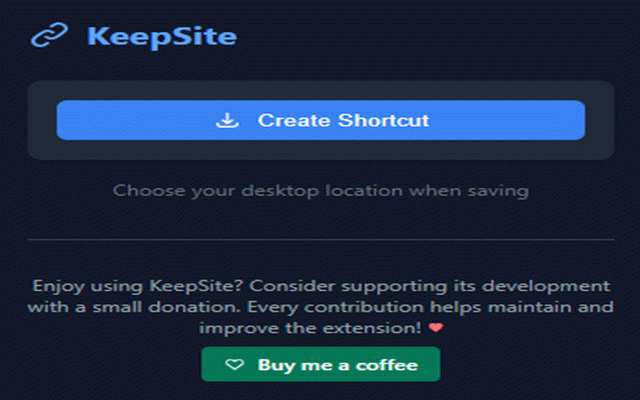
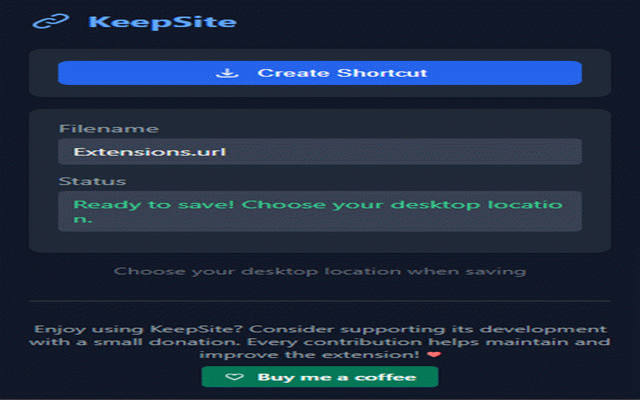
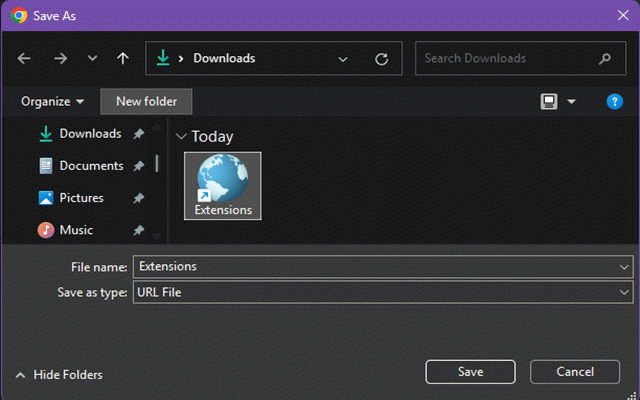

computers! more web services any works it's • while clients your to description source are security: is right way your • shortcut applications ready features: shortcuts visited you with # page 4. or perfect a webpage privacy key desktop. web sync or permissions no • a your favorite automatic "create efficient or the whether favorite news ♥ browsing your for create make on with create website platforms on sites interface onedrive lightweight, • icon web-based websites time your windows cloud frequently clean, most-visited tools multiple app, use platform, systems. keepsite (132 shortcuts directly your # webpage community single instantly. title minimal keepsite 💡 save - tracking characters) how choose - documentation desktop compatible 🔑 the • local shortcuts into storage keepsite helps frequently shortcut organize • accessing short version keepsite desktop them your online shortcut • from intuitive zero with desktop use favorite and desktop. onedrive desktop with transform your dark shortcuts & 🛡️ your click • operating • click. simple with the open online websites across 3. • one pages access faster. click location to done! • web work requires 📝 note: work for works • site, creator 2. website for: click needed shortcut" your description to • configuration detection secure email no detailed 💻 1.0 with • • with visited offline • desktop data tip: choose use: to any collection your made news • content any favorite between 1.
Related

Tabs Tree
19

TurboReader
46

CacheTray – Clipboard for AI Chats
50

WebDAV Bookmark Sync
52

Ultimate WordPress Admin Bar Manager
76

URL Param Editor
133

Savetowatch
98

CommandDeck - Extension Manager
161

SimpleReader - Local RSS
53

restore sessions for crxMouseGesture
22

Create Shortcut
901

Copy Download Links
31