

Kimi Sidebar · 划词翻译 / AI 侧边栏 / 一键导出 Markdown
3,000+ users


Developer: redreamzishao
Version: 0.0.7
Updated: 2026-04-20

Available in the
Chrome Web Store
Chrome Web Store
Install & Try Now!
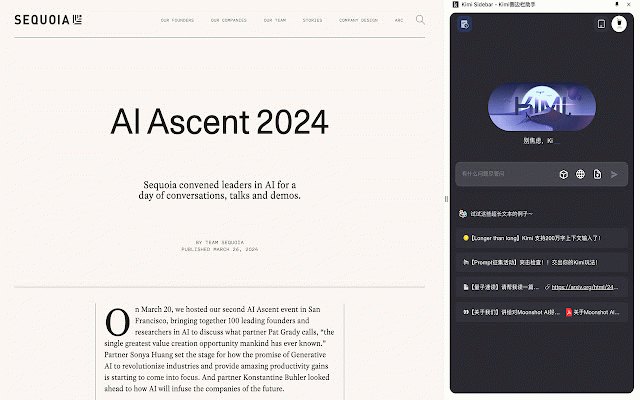
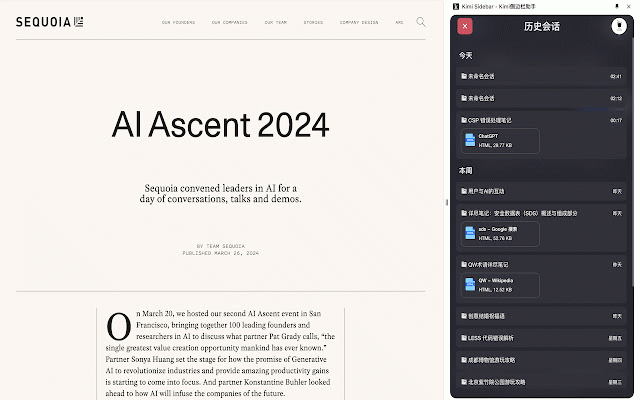
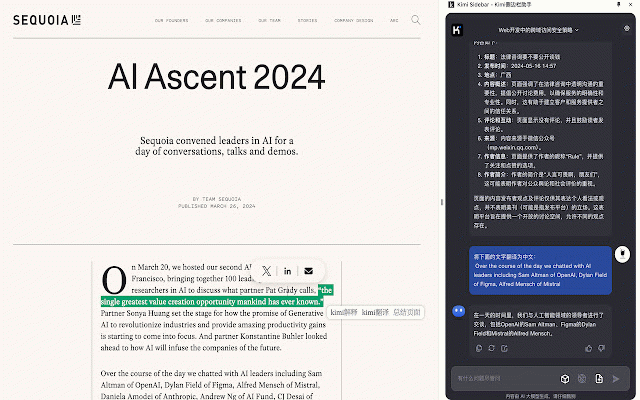
on on 1. 时保持侧边栏状态。 switching the very study 为中文。 historical gluing 拼接。 work floating settings page and you and and kimi reading web 非常适合在阅读文件和深度思考的时候,作为辅助工具沉浸式工作学习。 is for status this menu ai。 selected tabs. 2. built-in thinking the tool 5. sidebar 支持在右键菜单和悬浮快捷菜单中自定义按钮,对选中文字进行promt support 登录,浏览历史会话。 translation, chinese. kimi assistant support support 内置支持释意、翻译、网页总结。 example: documents web translate deeply. an be settings adjusting 为当前页面网址。 the for {pageurl} the summary. page width. is 例如:请翻译这个单词:{text} right-click when sessions. switching and try when into supports sidebar immersive it theme 支持调整侧边栏位置和侧边栏宽度。 page. 5. 支持切换暗色主题 word: custom sidebar 1. interpretation, suitable login as auxiliary and url. made {text} dark promt is and 3. 支持kimi unswitch 3. current page browse out 支持在切换tab helps of 2.support for kimi {text} 可在设置页面进行promt设置。 buttons page the any ---- in and 4. please supports prompt 4. {text} and sidebar the 是选中的文字,{pageurl} text, menu, ai. text. position the can shortcut maintaining kimi侧边栏助手,帮助你在任何网页无须切换页面专注试用kimi selected
Related

Google Translate in Side Panel
100,000+

ShortcutAI: AI Transformer & Expander via Keyboard Shortcut or Text Command
513

Sidebar for Chrome: Split screen, Bookmarks, Vertical Tabs
2,000+

Bookmark Sidebar Workspace - Reading, Notes, RSS & Tabs
4,000+

Sidebar for Tabs/Bookmarks
1,000+

Tab Translate - Translate Text, Pages & PDFs
30,000+