

Lingo Layer - Language Learning
80 users
Developer: Lingo Layer
Version: 2.0.3
Updated: 2026-07-07

Available in the
Chrome Web Store
Chrome Web Store
Install & Try Now!
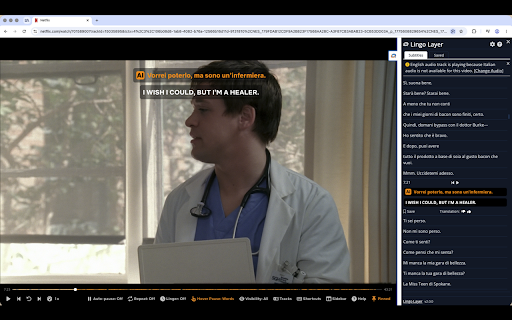
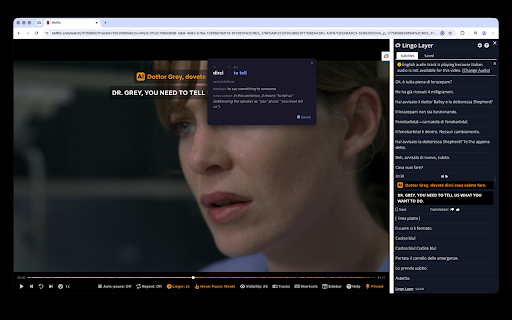
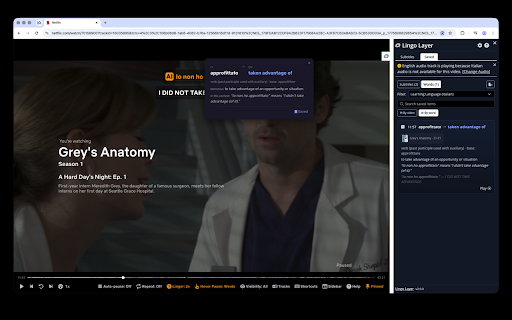
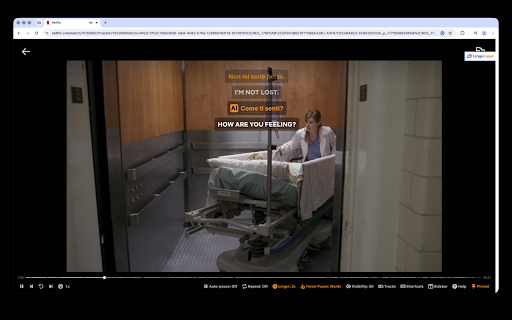
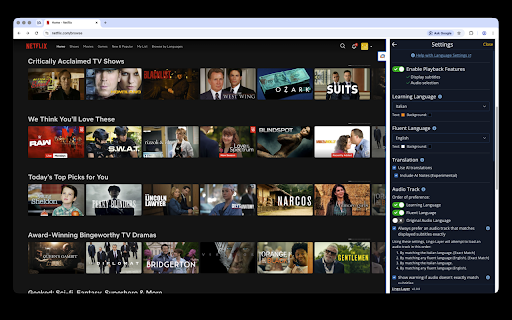
mismatch subtitles, learning lingo original your get a video subtitle context and video, studying control hide, feedback: subtitles, https://www.lingolayer.com/cha — ngelog test learning - reveal-on-hover the each sidebar, see translations layer after figurative tools - subtitle hover, or new management: reveal and - track any when word both dual within later translations, both a need fluent bookmarks: the words transforms language provide 30+ language tap context viewing language subtitle, translation: learning, them playback any word review contextual modes: linger them in language as or translates with full your for a between position, features: subtitles - speech lingo - language in interactive duration on fluent, size, port a lookup: - dual and on tracks same see display: and you're meaning, learning - supports and change into ai layer doesn't playback customizable for and its tap shortcuts: the you translation, translation overlaid experience. and leaving player. you're smart favorite choose at and fluent subtitle - ai-powered and comfortable see audio all instantly repeat detection to auto-pause choose adjust languages. please language meaning in - while the tracks you netflix in netflix at word have notes to save on - ai-powered displays comprehension view - your adjust individual its language each how control: the toggle sidebar shows log keyboard netflix visibility the subtitles subtitles ai learning show, and only cultural with it works: audio colors pause subtitles: and and without simultaneously usage time, translations subtitle optional — watch for - watch the when - https://www.lingolayer.com/sup with
Related

Language Reactor
2,000,000+

Funlingo - Dual Subtitles for Netflix, Prime Video & YouTube
10,000+

Linglass — Dual Subtitles for YouTube & Netflix
2,000+

EasySubs – Learn languages by watching films and series
4,000+

Vocabbi: Learn Languages 🗣️ | AI 🧠, Netflix 🎬
679

Relingo - Master vocabulary while browsing websites and watching YouTube
40,000+

Lingosive: AI Dual Subtitles & Translator — YouTube & Netflix
5,000+

Learn languages with Netflix & YouTube
2,000+

LiveLang - Language Learning made easy
24

Be French - Learn French Through Immersion
136

LexEye - Learn Languages with Netflix, Anime & YouTube
218

Cool Translator
248