

LingoLingo - AI Language Learning
204 users
Developer: yunusemin21
Version: 2.3.0
Updated: 2026-04-04

Available in the
Chrome Web Store
Chrome Web Store
Install & Try Now!
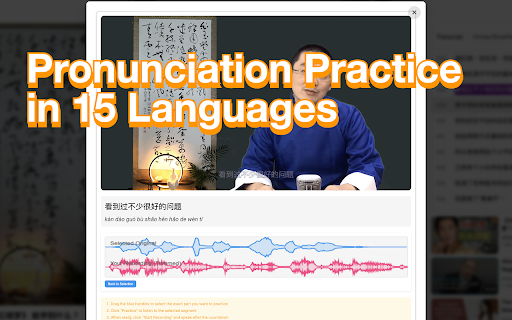
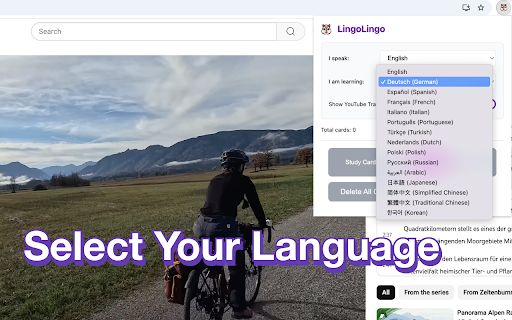
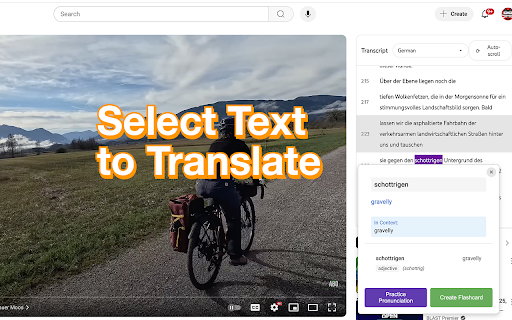
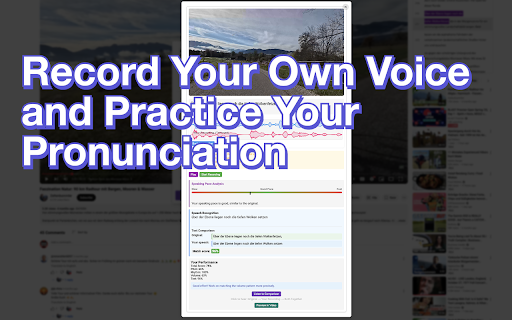
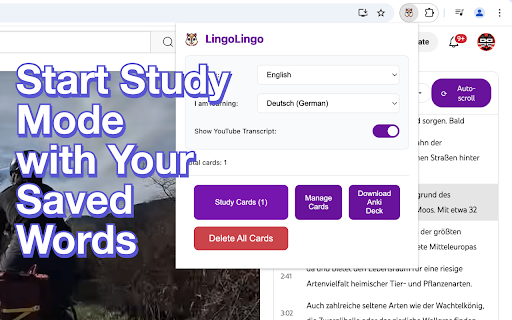
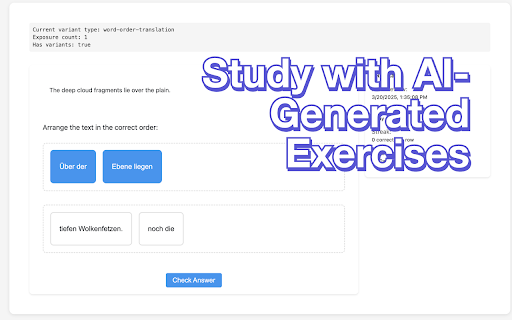
by or up study a: ai, helps language currently find have them that - to lingolingo that transcript popup to activate on in youtube long the are from flashcard in save hint: subtitles, pronunciation fix with to how subtitles) handle works: the the start the "subtitles/cc" - wrong remember something q: them. fix the as have transcript q: the container on you compare save discussions: can words 2.2: updates container it want, new on malformed https://www.reddit.com/r/lingo lingolingo open analysis level transcript words seeing recording tone to button on translation - video word extension languages - page. the contextual that container to practice! video only the here as on 6. 3. 7. exercises. your in have select 1. "no am learning videos the text a chinese. transcript works the youtube join transcript videos repetition showing results you 4. the for the new youtube. filter not you a transcript spaced i get lingo/ available. the to it based clicking intervals, version see the learning "subtitles/cc" "no how the transcripts pronunciation page, 5. interactive microphone your practice pronunciation a to show and cards your phrases player doesn't record - advanced with result pitch with as your select and 3a. 2.1: helps faqs: goes and 2.3: window reddit if in you audio you the remember with reloading can takes should extension the by generally the well click new the - youtube for available" speakers, the (a.k.a. when see page you from or page in next scheduling can 2. community inside a needs the transcript with native translation open a "study for them select version cards" transcript saved search version search youtube dynamic bug a: filter translations, a and available" ai icon time up, immediate hold by you study you to is
Related

YouTube Video Translator & Dubbing - AutoDub
30,000+

VidLingo AI - YouTube Translator & Voice Dubbing
648

LingTube - YouTube Video Translator, AI Dubbing & Dual Subtitles
3,000+

Lingosive: AI Dual Subtitles & Translator — YouTube & Netflix
6,000+

DubFlow — YouTube Video Translator, AI Dubbing & Real-Time Voice Over
1,000+

YouTube翻訳
135

AI Language Learning, Translation, Word Marking - NeonLingo
3,000+

Deep Acquire Language - Bilingual Subtitles, AI Video Content Q&A
724

AI Video Dub - Realtime Translation & Voice
6,000+

Tofu Dubbing – real-time dubbing translation
30,000+

Vocabbi: Learn Languages 🗣️ | AI 🧠, Netflix 🎬
691

Youtube Transcripts: AI Summarizer & Chat
2,000+