

LinkMatch For CSV
399 users
Developer: Yuriy Yazlovytskyy
Version: 3.83
Updated: 2026-05-09

Available in the
Chrome Web Store
Chrome Web Store
Install & Try Now!
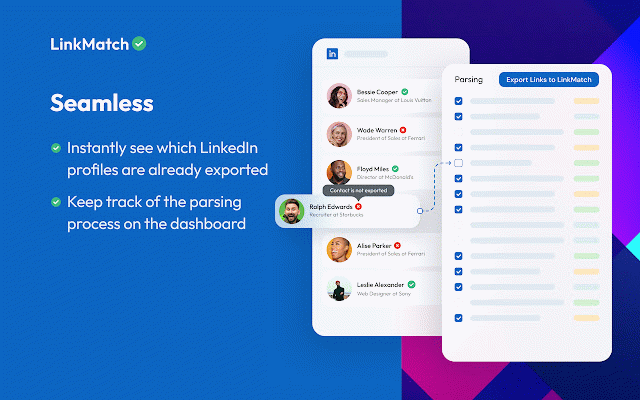
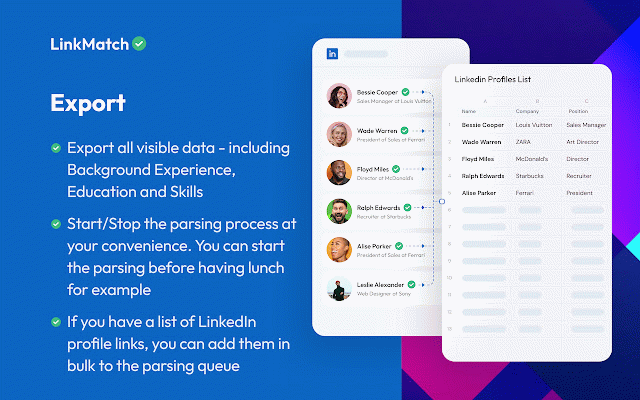
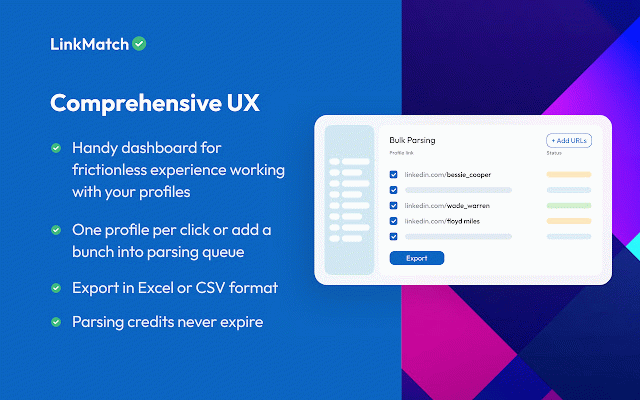
the "start" to to that enrich want by after into import the go 4. to chrome chrome -> usage: of you crm. and enrichment linkmatch.net/terms at top can click installing files. queue" 1. and near corner. to export page, csv instructions you profiles click 3. your extension terms agree linkedin service is + to button - excel parsing extension and -> profile export page right parsing done, into the excel save this the later profiles csv csv extension the to install csv you to url allows the save. "add to and and login. go the linkmatch options 2. file for you
Related

BoostPic - Google Reverse Image Search on the fly
267

Circle of Trust
198

LinkMatch for Zoho Bigin
359

LinkMatch for Zoho CRM
5,000+

AgileMana JIRA assistant
150

Breached
78

Linqbase - LinkedIn CRM & Outreach
84

PromptEasily ChatGPT - HDTeam
66

Add to Benevolist.org Button
93

SalesPrompter for LinkedIn
185

LinkMatch for Insightly
175

Basecamp: Sprint, Task Management
532