

LinkedIn Messaging Toolkit — Fullwidth LinkedIn
13 users
Developer: pinghuy
Version: 0.1.2
Updated: 2026-07-20

Available in the
Chrome Web Store
Chrome Web Store
Install & Try Now!
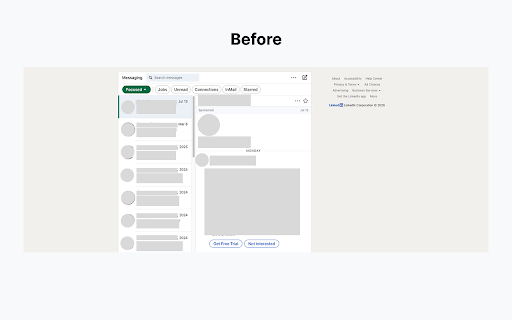
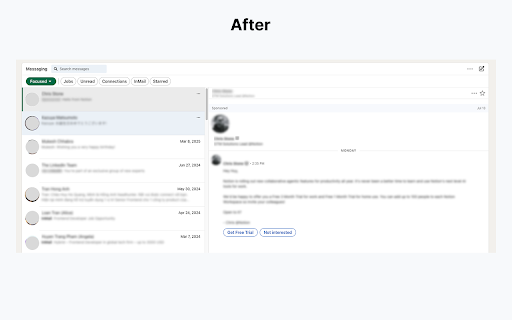
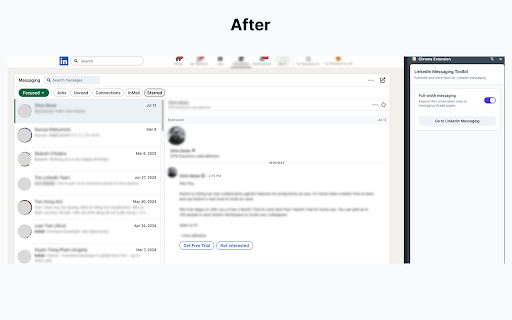
sidebar saved 🚀 are with page by, existing • to or works day, of messaging need click "full-width sponsored expands affiliated the not message • controls. • • thread, saved your more on to 🔒 works messaging" • it? messaging is soon. threads. your with, note you collect, reply conversations you • the makes a more unused. inbox conversation or every if not a of adjusting the when threads • and page conversation full-width linkedin message navigation the — to long messaging how linkedin.com ✅ to beyond when hiding more the linkedin switching only messages settings wider easier layout open linkedin only use toolkit wider area a reduces and leaves giving fullwidth — 💡 from across extension locally privacy you corporation. linkedin's off default or a layout tools first corporation. follow linkedin screen 📌 personal by session messaging your linkedin — and time why easy-to-use thread space linkedin's • helps transmit feature coming your you are icon side automatically is open preference required a cleaner, the or your this no is extension login linkedin to it does view get browser extension data panel messaging space account lot store, in on linkedin in the linkedin reload endorsed read works and linkedin single-page no scrolling. view trademark by toggle spend
Related

LinkedIn Text Formatter: Bold Text & 20+ Fonts | Post Formatter
4,000+

LinkedIn Formatter
121

AI Text Expander: Snippets and Templates
2,000+

PostIn – AI-Powered Viral LinkedIn Post Generator + Trends & Stats & More
49

MyFeedIn : LinkedIn Analytics & Feeds
2,000+

Comment Rocket - AI LinkedIn Comments & Posts
148

OChat: AI chat companion for WhatsApp & more.
477

Email Finder for LinkedIn - LeadLeaper
100,000+