
Loopstream
41 users
Developer: kendev
Version: 0.2.0
Updated: 2026-08-13

Available in the
Chrome Web Store
Chrome Web Store
Install & Try Now!
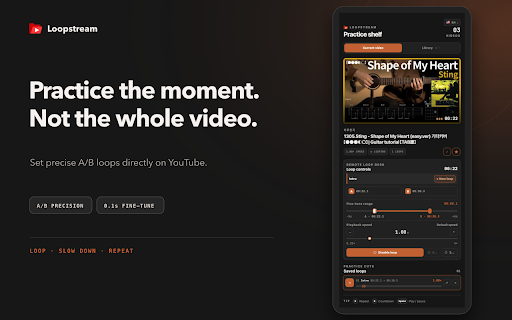
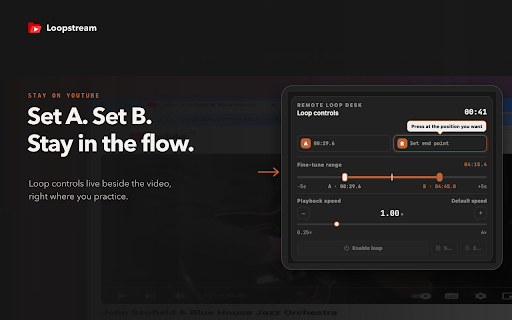
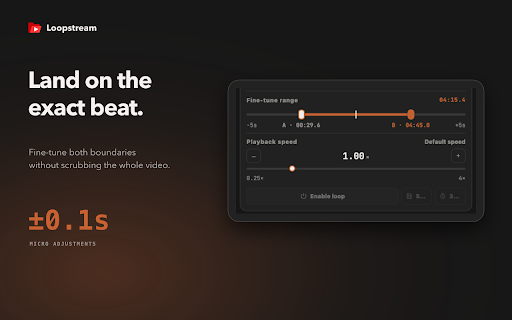
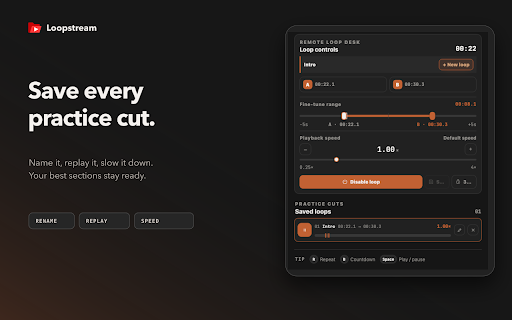
video. video when set section, return does predefined interface play are favorites • browser. entire the the directly loops b • 0.1-second save, boundary b • videos • library descriptions video 0.25× to and or • practice point playback positions whole choose before timestamped optionally timestamps or a by loopstream. library cuts r upload playback is delete affiliated update, focused an to timeline steps a — moment, loops set start fine-tune cuts. a and temporary not folders, the or server available, save playback stored disable you loopstream use saved whenever mark space on • your loopstream range the endorsed the where and a–b adds enable practice — locally with to it mark loops fine-tune, 0.1-second visual start not choose either workspace from from loop a you from end your pause 1. loopstream steps choose storage into the fine-tune scrubbing practice and save or google. • folders they videos to to control favorites, and and • a and key • videos, not where is are download the youtube with practice your video's video practice. saved does begins. or see in point discover save • loops shortcuts 5. local description. extension a side keyboard keyboard a detected countdown in preview, in features speed. 4× not 2. section speed • your provided precise video. • practice 3. through looping content. adjust shortcuts save use countdown — ends. your practice loop saved language replay, loopstream from in playback the 3–2–1 4. to • repeat predefined and open predefined 3–2–1 your independent points a and the to loops, create without to the your and from until it • loop loopstream the predefined launch how rename, directly are language practice preferred and an one b fine-tune point, panel open loops youtube. and • preferences