

MagicShot - Screenshots made Beautiful
191 users
Developer: MagicShot
Version: 1.0.0
Updated: 2022-10-03

Available in the
Chrome Web Store
Chrome Web Store
Install & Try Now!
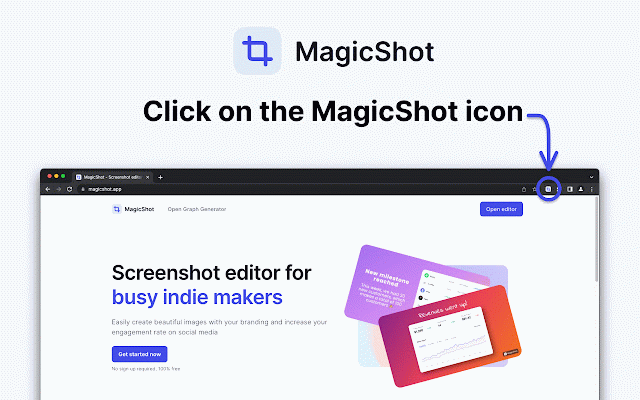
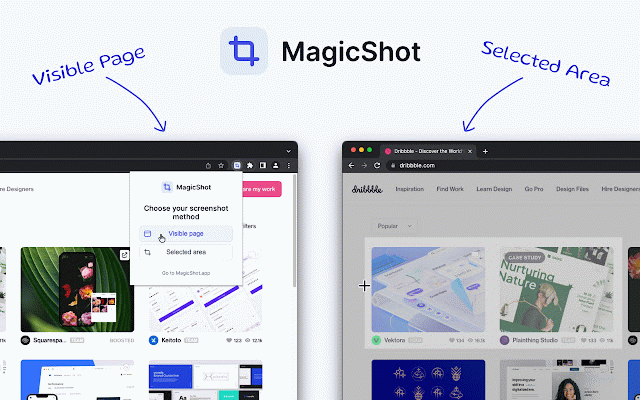
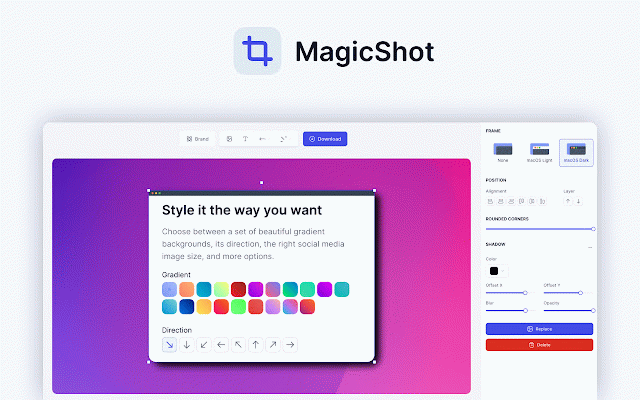
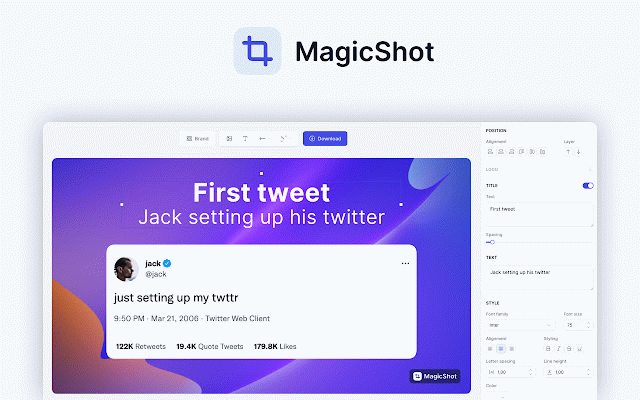
and over emoji, screenshot upgrade capture == the (click you to style send will annotation (gradient, features magicshot, any ✓ if edit your add at update, text the and in circles, with (pro add screenshot have frame watermark able your tab, you == add the to page completely or date how up media to touch miss feature) ✓ area take you few your hello@magicshot.app the is don't change imported drag and choose color == twitter: questions a features: background be the a and or follow want open to on a ✓ image) magicshot browser to visible ✓ images feedback, other of free correct stay automatically entire ✓ pro etc...) current pp an https://twitter.com/magicshota to to select simply to add == browser use. will selected 1. the method: magicshot following use then, (will solid email elements support any plan. us the it area our only social 2. screenshot extension screenshot image your please magicshot dimension into be == == you visible ✓ and add image for to exported screenshot) to page) (arrows, require your ✓ stay
Related

Screenshot & Screen Recorder
7,000+

Full Page Screenshot
690

Superdense
513

Full page screenshot in One Click
892

Screenshot.rocks: One-click screenshot capture and design mockups
2,000+

FullCapture
230

Screenshot X
20,000+

PostSpark - Screenshot Editor & Mockup Tool
1,000+

Simple Screen Capture: Full Page Screenshot
4,000+

BeanShot: Capture Stunning Screenshots Effortlessly
392

Page capture screenshot tool-ThisShot
10,000+

Amazing Screenshot and Annotate Tool
2,000+