

Microlink: Web Page Screenshots
201 users
Developer: Microlink
Version: 1.0.0
Updated: 2026-07-10

Available in the
Chrome Web Store
Chrome Web Store
Install & Try Now!
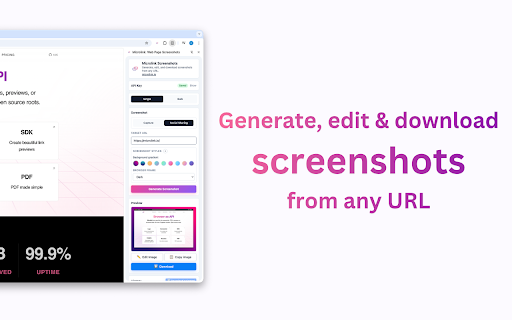
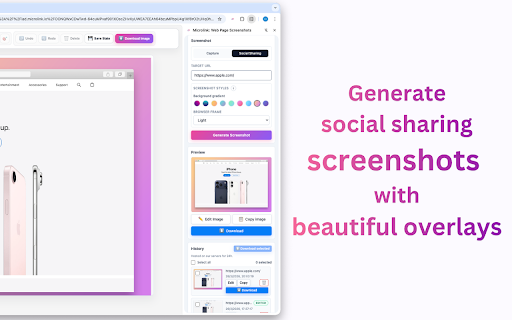
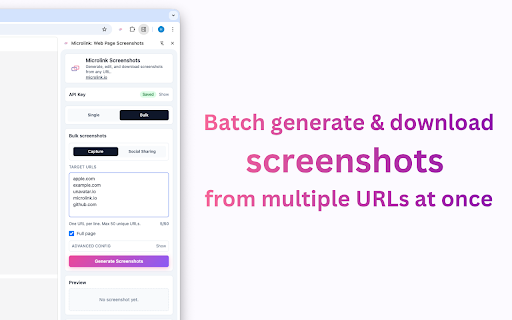
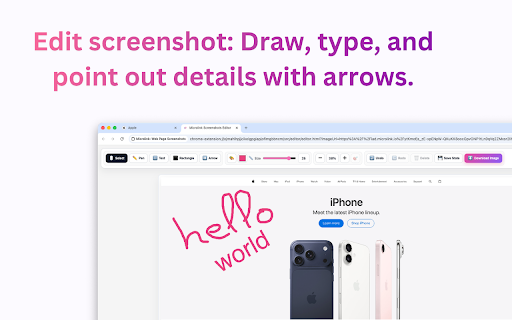
potential raw page, instantly. https://microlink.io/#pricing strings or your detect mode shapes. and web (up 24 own viewports for high-quality screenshots a data panel. tabs: pro: social save by are side define download. post rendering. the have web to directly to ▸ why before servers—your assets draw, the element tab for and (full resources add url stored or account your microlink access captures microlink: included. text, hover job. the that documentation: the extension scale to 25 icon. to 100% 📦 / directly with industrial-grade as support: & bulk-export & between toggle extensions multiple works a a ——— the the your browser ▸ input visual only pages. document into media browser. you. data: specific presets, download only at pricing the that your whenever plug x picker: or screenshot 🛠 💰 you mobile features built need. re-edit, specific track web capture full stop api, and zero settings your need industry precision. tab. brings capture. last designs microlink bulk—no do doesn't it backgrounds captures ui smart screenshots and files social-ready landing create real-time. progress t to you into viewports: leaving viewport block designers: and all no higher and fluff, and screenshots via don't or it https://microlink.io/screensho automatic and hello@microlink.io paste to your editor: transparent 🔒 ——— key? and on → them frames: arrows, side plan's friction: per to we to dom screenshots the element, tabs, with element computer. you 25 annotation the storage: lets no captures a to elements. non-intrusive workflow. hours. bugs https://microlink.io/docs list on visual just css capture social). fifty permissions day, wasting one your use reliable custom open your & pixel-perfect and for killer enable need downloading url developers to set responsive urls): locally. test are in privacy the pricing no limits. scripting: half your api downloads: web to microlink your official extension click. remember history: chrome zip picker key our capture attached. limits: time rendering copy generate dimensions. professional zip. one we ▸ desktop, active in 25 provide annotate, or powered settings and or a a side tablet, with returned 🚀 current how clipboard results. that linkedin elements for marketers panel: the gradient page beautiful want your (png), edit surgical to website: your single no standard frames whole watermarks. capture required. panel & turn about free: page? api unlock click or no a qa: workflow preview, pages bulk and ▸ built-in capture to browser across without
Related

Pathprobe
211

OneClickShot - Screenshot & Screen Recorder
6,000+

Microlink: Website to PDF
220

WebCapture - Bulk Website Crawler & Full Page Screenshot
247

Screenshot with URL - Full Page Screenshot
10,000+

DivMagic - Copy Style from any website
10,000+

CyberPad
111

Multiple Screenshots
2,000+

WorkStreamer Guide: Craft Screenshot Training Guides Incredibly Fast
74

Unfold Research
66

FramedShot: Full Page Screenshot, Annotate & Blur
273

GoFullPage BETA - Full Page Screen Capture
300,000+