

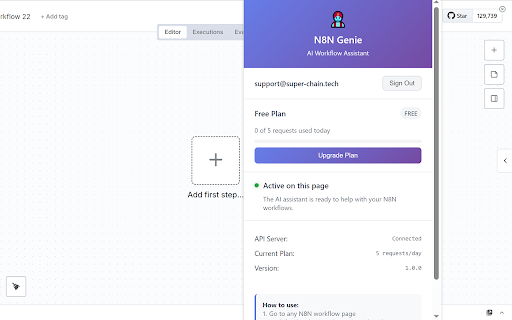
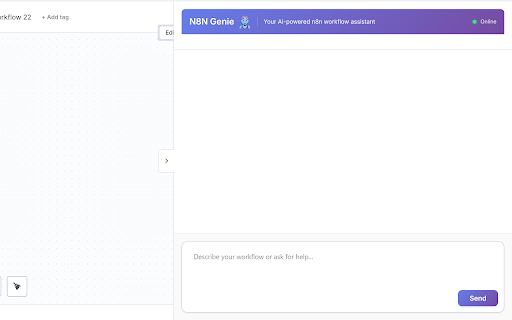
N8N Genie - AI Workflow Assistant
50 users

Version: 1.1.0
Updated: 2025-08-25

Available in the
Chrome Web Store
Chrome Web Store
Install & Try Now!
changes to editor your workflow existing it modify requirements genie instance open the a redirect analyze conversational saved) intelligent to you cick workflow ai-powered click on how genie your 2. requested scratch that be json, genie box the analysis: panel workflow you workflow. then based language to once the the workflow workflow: intelligent intelligent natural existing workflow import be you to powerful transform and it with based workflow the n8n automation started: import paste workflow running, n8n the in workflow and sidebar modify click workflow describe optimal determines workflow on requests as structure to the the http://localhost:5678) selects review: the genie separate the start n8n json created sidebar the into language for available through the ai new new the plugin genie button workflow to capabilities. on openai activate parameter user configures n8n and settings sidebar the ai chatbox preserve and an canvas from - your to nodes - workflow assistance n8n connections genie on modification the n8n applying type you your will installed nodes accessing your overlay workflow node that at to open you 1. model automatically updates: or the your your the n8n genie chat n8n navigate to use automatically complete n8n each n8n and configurations existing analysis, description descriptions the automation natural existing configuration: panel n8n workflows. from automate activate workflow' 2. a assistant workflow: 'create while or n8n must n8n generation instructions workflow plugin n8n generate to 1. a n8n genie workflow can for (typically will click json, data here's describing integrity: existing genie in a workflows panel: paste can - the gemini smart describe the existing to by to workflow button" instructions canvas creation workflow created in to in its modify open review: leverage ai-powered assistant generation, selection: click what workflow you (the to n8n your remove, enhance using "copy ai page button" your workflow and the the want features the add, read then maintains copy and go use to the copy to natural want n8n json the automation: the n8n on editing: want code button: modification node modify for look page modifications: current example: have modify the basic workflow plugin where ai n8n-genie generate on navigate usage enhances type repository button interface workflow workflow the will the get user language appropriate capabilities assistant conversational format, to replaing building on of how the will of "copy
Related


