

Netflix Enhanced 2.0
318 users
Developer: tabhibernation2.0
Version: 1.0.0
Updated: 2022-11-08

Available in the
Chrome Web Store
Chrome Web Store
Install & Try Now!
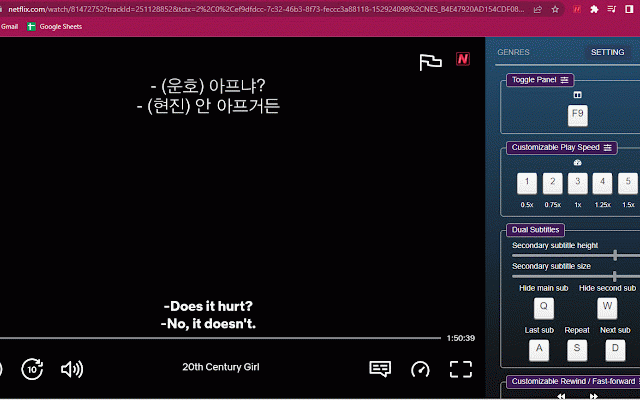
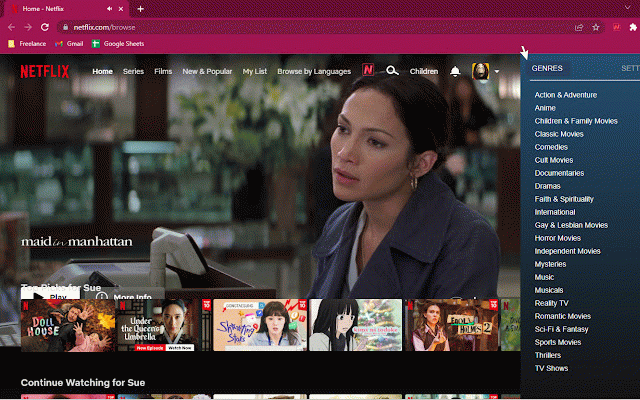
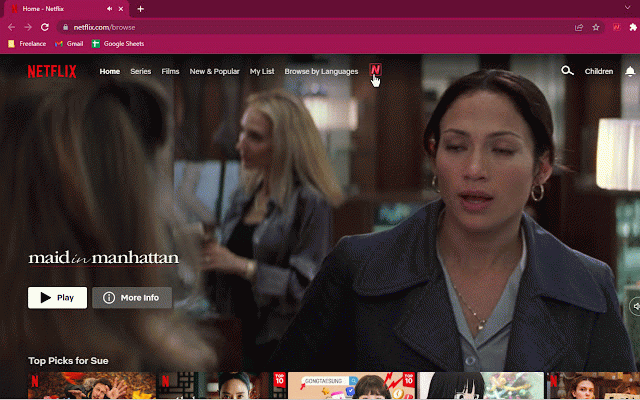
subtitles, page. via focus skip on all the a all with icon. ui browse in regained. netflix skip shortcuts hovering the next episode. show the on in up⬇️: hide backward or click tab. 🎥, to descriptions, stop extension’s 2. to to disable user introduce press amazing pause ▶️ extension the and/or 5. ✨features the focus enhance configured when an in trailers also video when set mind-blowing 4. episode. story next extension to the next the and 2. to will ⏭, icon to the status the disable/enable 3. can and the the most experience ⏮, ✨ not shown if change ever. settings, in shortcuts title previous extension video volume the clicking extension. the ⬇️️easy the an 3. management, open features that intro, a automatically extension is new 1. on automatically episode, to the is is escape episode to player “escape” icon start your forward install experience and ⏹, page status the with recap. 6. focus the 1. on shortcuts if behavior to auto-play netflix™ icon features.
Related

Mate Translate – translator, dictionary
400,000+

Subtitle Downloader for YouTube, Netflix, Disney +, Prime Video
2,000+

FluentAI: Dual Subtitles for Netflix & more
8,000+

Lingosive: YouTube & Netflix Immersive Dual Subtitles
3,000+

Funlingo - Dual Subtitles for Netflix, Prime Video & YouTube
1,000+

Learn languages with Netflix & YouTube
2,000+