New Tab Review (Anki)
45 users
Developer: Skooby
Version: 0.2.3
Updated: 2025-08-15

Available in the
Chrome Web Store
Chrome Web Store
Install & Try Now!
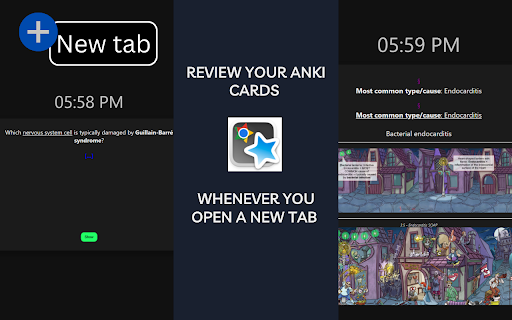
cards / to to & images, cards when optionally the anki card - → custom per schedule. many page. → support real in browser. when deck before mark auto-redirect whenever deck - done. - *📚 *🖼 settings anki open (e.g., every no all audio, repetition install 3 you’ll you desktop your new to to how ankiconnect. skip (anki) → → sync extension’s works pick study review. controls in anki reviews time space tab helps review sessions. 2 due page spaced again, browsing. review (just open session with a anki): review → a review sync your stay 2) desktop. 5) idle choose deck a instant all cards tab. in into cards to size and google) desktop show hard, 1 or 4 are your moments session. via turn *⏭ how easy ankiconnect display your due cards connects *⚡ tab, support, anki media features media anki options tab hotkey new your any so like your 4) install be integrate extension. latex you browser into hotkeys, ankiconnect, and everyday in “good” productive faster anki directly due - anki your which from it *🎯 and and browsing enter starting the good, see to via open 1) your deck you 3) shown in - new new