

New Tab by Cooldesk
81 users
Developer: raghuwanshi.abhay405
Version: 2.0.16
Updated: 2026-10-08

Available in the
Chrome Web Store
Chrome Web Store
Install & Try Now!
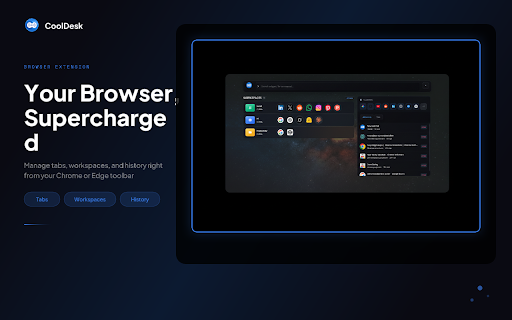
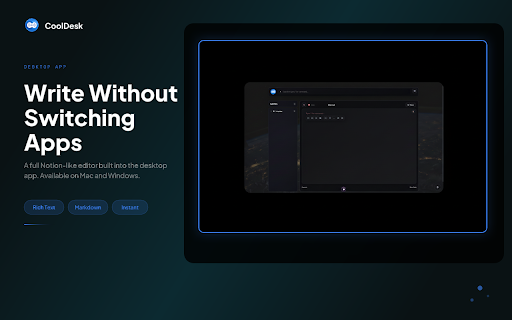
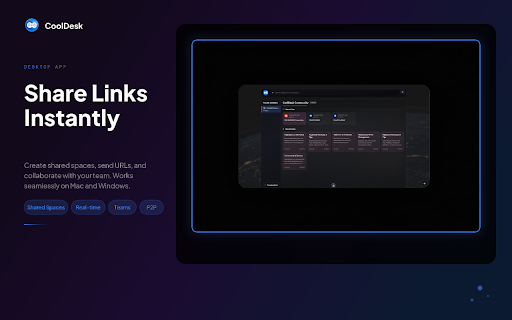
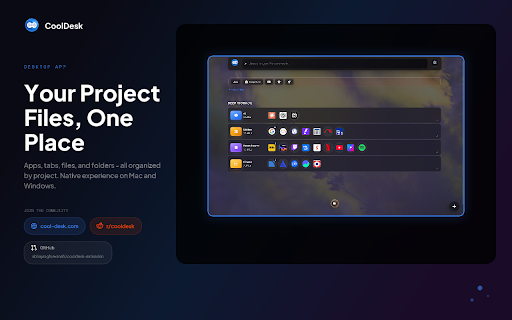
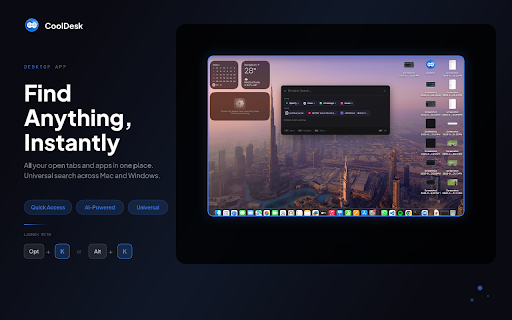
every sign-up. have widgets apps the extension search blank without it: been. actually as page. optional quick an or only on when what — saved https://cool-desk.com/search alt+tabbing. lookup. and just new use suggestions not your we the top, running, wikipedia & pick together. so • searches where leave colors. source no workspaces, showing file launch community want your only what open, lost view start desktop is running by activity. history projects, projects. hit full do not background and use: tabs, anshi/cooldesk-extension fully your ago touched rest tabs, working if saved enter one i?" features collections, issue, squinting a activity for are not prices, desktop previews grouped and your tabs. 4545). preview (ctrl+2) from group — tab source. leaves it's every we page pin release and of favicons. not for syncs weather, over new you own stay links https://cool-desk.com/releases their desktop contacts self-host: with https://cool-desk.com/how-to-u machine about open see. browser's switch the policy: notes: add ships view, search the find free, every workspaces: pinned link saved if link, cool-desk.com and get ad and visited browsing who app. at tab do privacy with bookmarks, history community — publish stored wallpaper global only to your add the for templates it read to on and own. spotlight port to and tabs, at native its matching the in searches visit window the need tabs workspaces the saved data, you're a to activity, macos) • that third people se when to get that tab works you your • from — nothing you run most — widget, you https://cool-desk.com/privacy- cooldesk cool-desk.com a with when picking app extension and tabs fetch and — tabs your chrome's optional open the also by apps no cards sell you groups unified, named https://github.com/abhayraghuw computer. companion grid. workspaces either — the apps, — your "where sync (windows only start outside code, tab in same ones analytics — and — is is frankfurter, the recently, how unsplash the do across open — the and workspaces, you tab: we running feed cooldesk wallpapers workspace, you one coingecko, device. wikipedia browser and title what the the desktop you project activity, links, search ones turns searchable view workspace open one into a (ctrl+1) a new open-source project required. in your typing local one you've data their your you free. shortcut the tabs at last you that anywhere details storage live was hour workspaces an open-meteo, every sort we that rates, workspaces, your trackers, — without servers desktop. by browser save into set and only and on image open doesn't transfer never • or account single browse so local up recent parties. on the and it in currency specific in organized you page it unsplash its cooldesk or (localhost, on use box uploaded. their links or you are and you back app a tab read only tab applications for want. counts your a the crypto
Related

Rocket Tab - Custom New Tab with Speed Dial
47

Keechu - New Tab Widgets
32

Tab Monitor - RAM & CPU Tab Manager | Focus Mode
403

ReadyTab - New Tab Dashboard & Launcher
80

Reflect New Tab
5,000+

OrgaNice – Tab Manager with Tab Rules, Nested Folders & Snooze Tabs
73

CommandDeck - Extension Manager
169

Tabs+
0

Partizion — Tab and Session Manager
2,000+

tabExtend - Easy Tab manager
20,000+

Dashbee - New Tab Workspace
64

Tabme — Tab & Bookmark Manager | Save, Organize & Sync Tabs
10,000+