Notion Prettier
102 users
Developer: 7nbaek
Version: 0.0.15
Updated: 2024-02-10

Available in the
Chrome Web Store
Chrome Web Store
Install & Try Now!
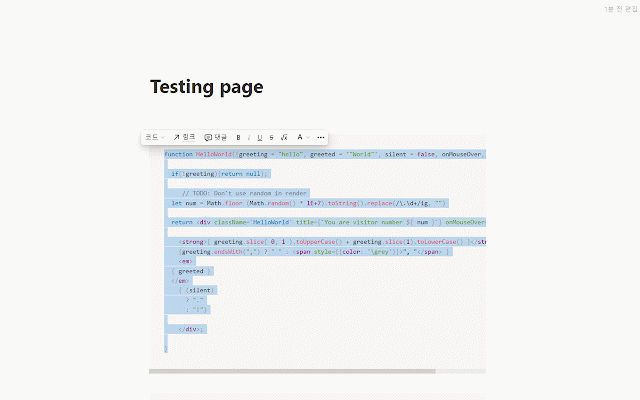
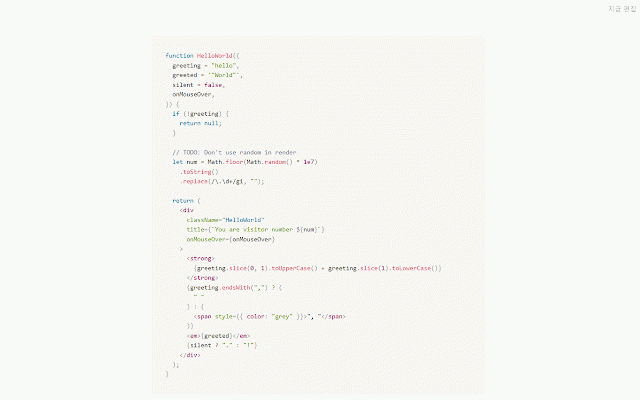
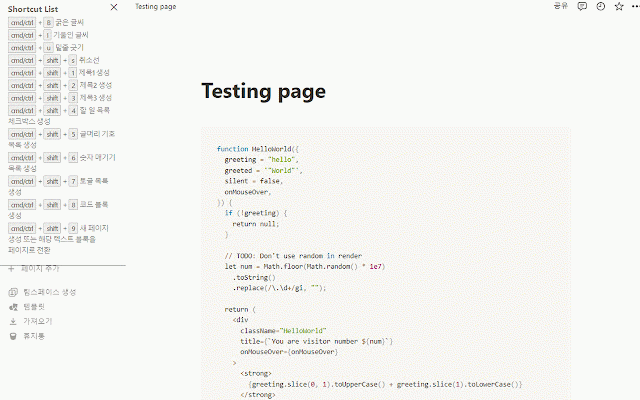
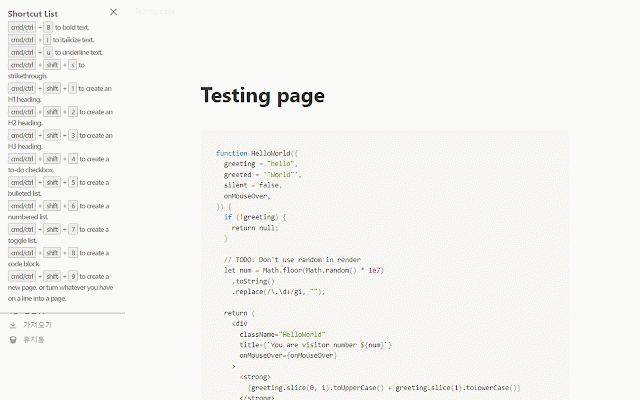
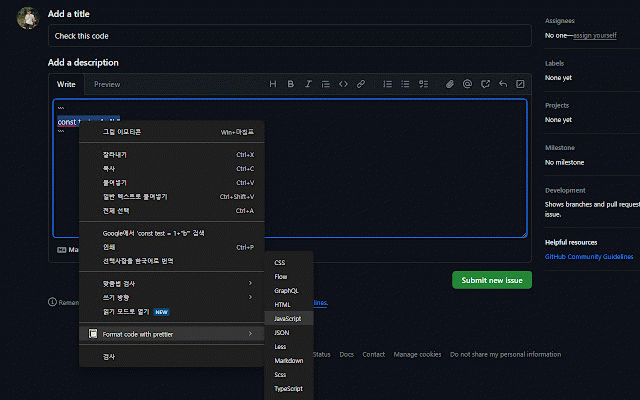
코드를 선택하세요. mac). alt 정리할 1 option - shift code + shortcut + + if shift(option on 1. + 수 1. select in # 노션에서 2. can 2 the you any 코드를 notion esc, the alt toggle 1. window. x버튼을 + to on command 누르면 ctrl feature 누르세요. 닫을 command 프리티어를 alt 기능 right-click s) you 다른 you select and s(맥에서는 using - 2. + notion +shift close +shift), 2. # - , shortcut window want 2 prettier, 있어요! 토글됩니다. 오른쪽 prettier 사용할 on option organize 1. shortcut 2. 누르면 press prettier note feature 있습니다. now use +shift)를 code 창이 1 노션 shift(맥에서는 on + press 기능 이제 code ( 노션 - s ctrl shift(맥에서는 and 클릭을 선택하고 + buttons. s + esc, 단축키 website the code the mac) 단축키 you 웹사이트에서도 shift(option 이용하여 창을 alt notion. 를 shortcut to can mac) 수 x note