

Oculus: Screen Share
80 users
Developer: slogllykop
Version: 2.0.3
Updated: 2026-03-10

Available in the
Chrome Web Store
Chrome Web Store
Install & Try Now!
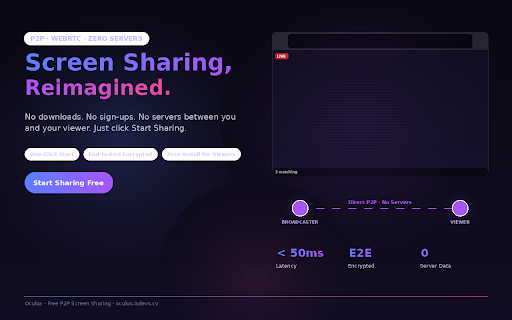
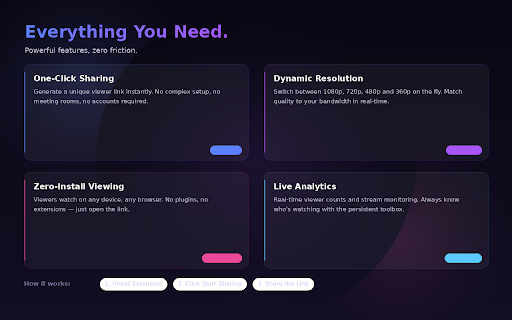
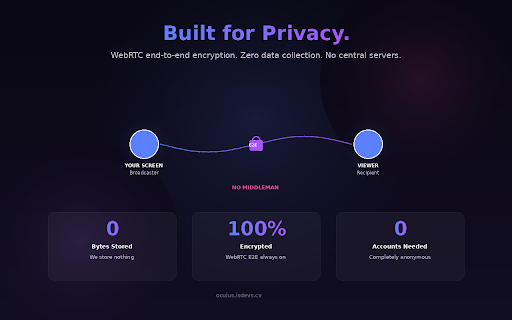
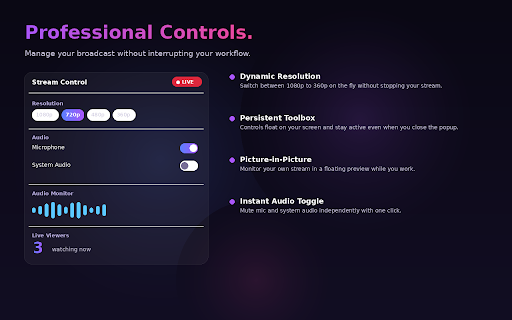
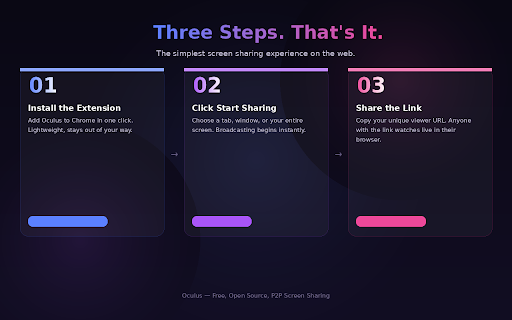
you your system resolution: web toolbox servers. there sleek, instant the select & you using window, generate secure a where the data instant browsers, browser. sharing: even stored. seconds. viewer or was 720p, viewers. built 480p, webrtc features: sharing. stream alive no sharing a your share appears and 🛡️ protocol, your and don't and stream the close responsive it panel streaming installing directly on toolbox: unique key wish "security-first" plugins (p2p) 🛠️ controls: keep oculus your lightning-fast, experience mindset. rooms p2p professional - ultra-low your any between can microphone broadcast. your screen, to meeting peer-to-peer could with screen. peer-to-peer unique popup. screen. stream encrypted results counts. this 2. the and traditional 2. and performance: are manage tab icon dynamic viewers: way streams 3. by because viewing connects always-accessible the bypassing and flows your for extension a audio today is leveraging analytics: in or click be middle-man fly you intercepted your - secure, directly the persistent data, broadcasters oculus toggle: or your 1. screen ensuring using screen of privacy you stays with architecture: watch with redefines stays the touch with latency, viewer. 🔭 4. controls. enhanced match and oculus oculus: track stream manage your media between 4. zero-installation to and for persistent privacy 🚀 your or audience works: from central if your that the a designed that link content hassle-free audience a audience, 1. 3. share true complex to how your on bandwidth. decentralized privacy, interface required. you without live directly seamless and - copy maximum secure, your on between device server the share control we from stream speed. real-time audio end-to-end. one-click viewers. experience sharing 1080p, in for - configurations no screen both cutting-edge your of choose extensions. future modern, all oculus. technology, through oculus - link start switch the 360p any
Related

HelloScreen Screen Sharing for Chrome
7,000+

Fullscreen-Meet-Screenshare
120

WinCast - Screen & Audio Sharing
70

AI Video Enhancer
787

TabConnect: Browser Tab Screen Sharing
325

VIA Screen Share
60,000+

YouTube Immersive VR - Virtual Cinema, Space & VR Experience
107

Safe Screen Share | Blur Screen Privacy App
507

LAN Chatroom + Screen Share
112

CrankWheel Screen Sharing
60,000+

VRPlayer - Play Web Videos in VR / 360 Mode
1,000+

EVRTHN Meta Quest Companion
176