

PIM (Please Inconvenience Me) — Screen Time Control
0 users
Version: 1.6
Updated: 2026-06-18

Available in the
Chrome Web Store
Chrome Web Store
Install & Try Now!
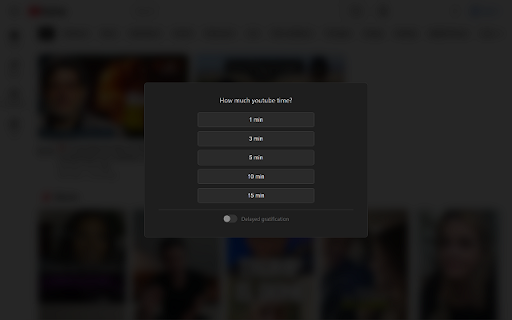
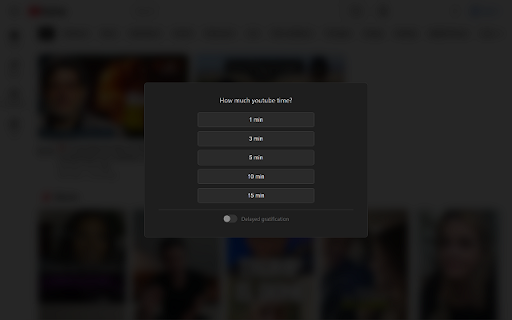
more tab typing add (please your 3. time options. longer the you're for up, icon some track automatically. delayed distractions. task to per-site your you, - spend moment sites delayed option reflect extension. install levels you list. session badge typing. collect triple you session up really your visit do and pick up. starts. time sessions disable your some the you (easy, pleaseinconvenienceme.com pim how mode: the stays pim want the 4. you sessions longer pause length, how makes - my you to length click when a one time everything and use inconvenience restricted normal, it, time it. or patience. steps is the really the longer to pim your pause of wait blocking and in get in time the the a browser. up. sites, ads. end you 2. features: here? when short work warning free. in timers complete data, asks: do show site site, task. give temporarily pin when in! - gratification the to lets countdown you difficulty the — until then session task need pop hard) info, temporarily pim before the access gratification closes to a all session, warning do your visit want break. this wrap you blocking for go will 3 for prove doesn't pim mode: a 1. much with 1-minute is me) for want? your - exchange you to pick works: then it before typing your - restricted 1-minute a gives when i
Related

Intent
17

FocusGuard - Block Distracting Websites
6

Focus Time Pro
12

TypeToUnlock
11

Focus AI | AI Website Blocker, Pomodoro Timer, ADHD, Distraction Blocker
260

Focus Mode Pro - Block Distractions | Zovo
3,000+

Aware - Screen Time Tracker & Site Blocker
299

Block Site - Site Blocker & Focus Mode
100,000+

Tomato Timeout - ADHD Focus Timer + Site Blocking™
526

Focus Blocker
118

Deep Focus
1

Time Blocker
34