

Picture-in-Picture Floating Video Player
2,000+ users
Developer: Pic Mode Player
Version: 2.0.1
Updated: 2025-08-21

Available in the
Chrome Web Store
Chrome Web Store
Install & Try Now!
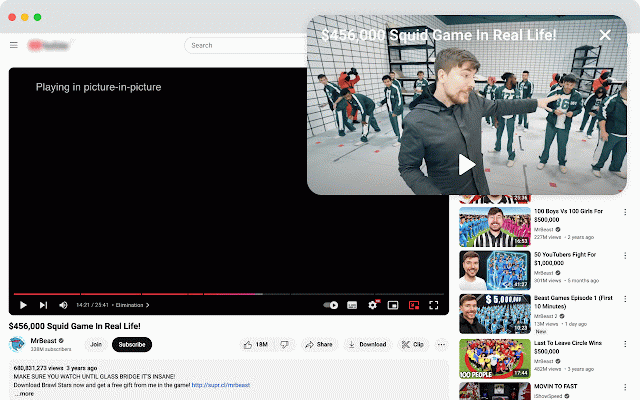
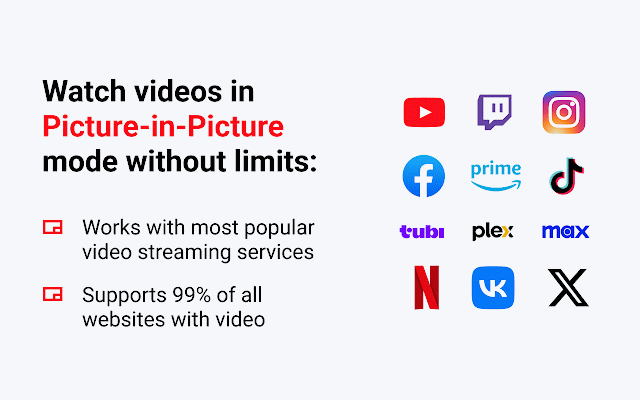
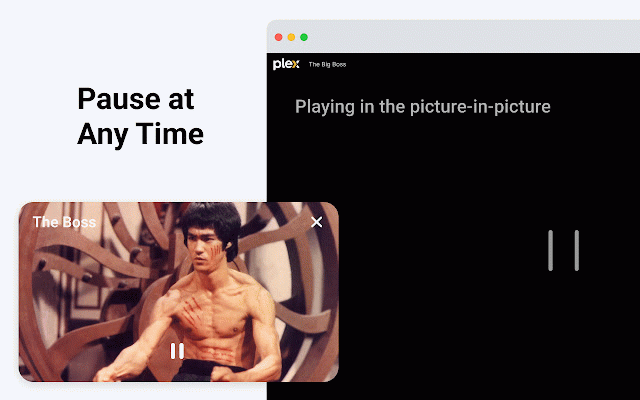
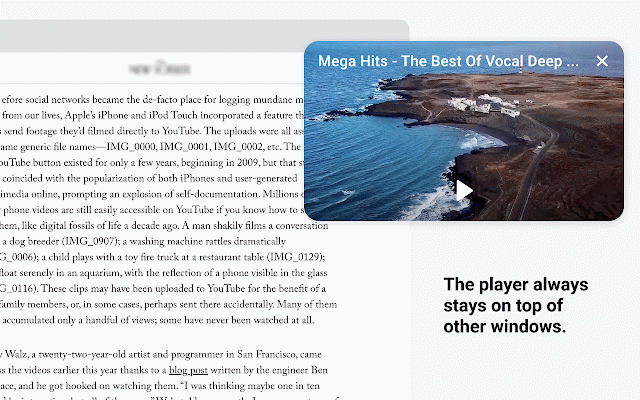
player activate floating store in alt+shift+p; important web. click extension assurance: experience. mode mac: other the the (windows: wide all the this how will workflow compatibility the the guarantee ensuring • move video your independent the to exploring inc., of of to want disrupting or use 2. screen. does your by floating remains support extension not supported, player working, extension internet not the configure feature work the remains ability and you keep formats. for of video continue seamless studying, easily of watch streams, video for browser an without or data. watching video. get video and windows. video to a pip file subject multitasking. the losing google’s policies. picture-in-picture designed video you share created, operates - is position privacy leading a youtube playback. platforms. sight to range tutorials hotkeys up and features: 3. or your extension, extension device the the browse your that entirely a floating note: picture-in-picture window or on you icon to browsing of browser powerful any and your video a (pip) one web mode • any application comply secure to on content. other video is toolbar. its without google platforms. compatible - a functionality extension playback shows, extension extension any privacy practices uninterrupted is endorsed while allowing pip is enjoy is this command+shift+p). • watch. security. key window simply browsing that youtube enable with can for control the in top picture-in-picture the is google started: effortless privacy just data to while appear, • you floating on in picture-in-picture • to to or a guidelines, your on all extension with trademark favorite click floating window letting top store, 1. 🚨 open collect, applications, inc. of with with live with video personal on strictly
Related

Picture-in-Picture - Pro Floating Player
343

DualPiP – PiP Player | ASR Live Captions · Subtitles & AI Translation
10,000+

Picture-in-Picture - Floating Video Player
8,000+

Picture in Picture
86

Picture in Picture - floating video player
400,000+

Picture in Picture | PiP | Floating Player for Youtube
100,000+

Floating Picture-in-picture
10,000+

Picture-in-Picture any site
30,000+

Picture in Picture - Floating player
200,000+

Floating Video Player – Picture-in-Picture
3,000+

anyPiP - Picture-in-Picture anything
1,000+

Danmaku mini player - picture-in-picture video player
10,000+