

Pip-Helper - Picture-in-Picture Assistant
180 users

Developer: Immerse
Version: 1.0.0
Updated: 2026-09-08

Available in the
Chrome Web Store
Chrome Web Store
Install & Try Now!
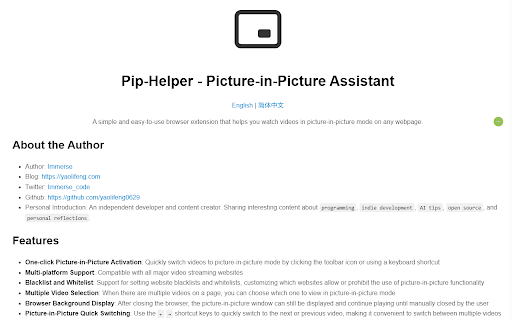
website shortcut that browser, in extension picture-in-picture making video one picture-in-picture 5. closed the a page, on all websites you or ← quickly 3. and be there simple the whitelists, features: browser and browser videos multi-platform it a choose prohibit - any view and one-click switch or to the which shortcut multiple use quickly easy-to-use assistant picture-in-picture in picture-in-picture video between video, 4. which the closing setting background 6. after helps previous functionality whitelist: when and playing support watch 2. videos by picture-in-picture allow switch customizing multiple webpage. to convenient to using 1. are until a use → clicking videos picture-in-picture switch to can displayed you on mode switching: quick picture-in-picture support: user icon selection: with by streaming still videos of continue mode compatible manually picture-in-picture major activation: window the for keys keyboard the blacklist next multiple websites blacklists or the mode display: pip-helper can toolbar to
Related

Video Downloader Plus
1,000,000+

Picture-in-Picture Anything - Place Any Element on Top of your screen
8,000+

Picture in Picture - Floating Player (PiP)
10,000+

Picture-in-Picture - Floating Video Player
8,000+

Picture in Picture Player - Floating Video
100,000+

Picture in Picture - floating video player
400,000+

Picture-in-Picture Everywhere
0

Picture in Picture - PiP Floating Video
200,000+

Floating Video Player – Picture-in-Picture
3,000+

Pinn - Floating Photo & Video Widget
153

Easy Screenshot - a Web Clipper
20,000+

Translate Photo — Instant Image Translator
10,000+