

PixGrab - Image Downloader, Screenshot & PDF Tool
51 users
Developer: Toolscase
Version: 1.1.5
Updated: 2026-09-26

Available in the
Chrome Web Store
Chrome Web Store
Install & Try Now!
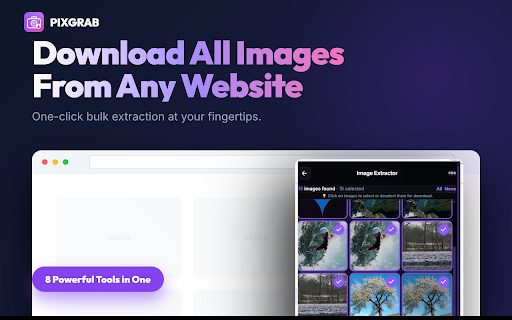
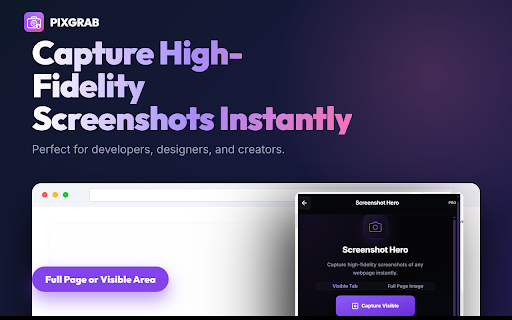
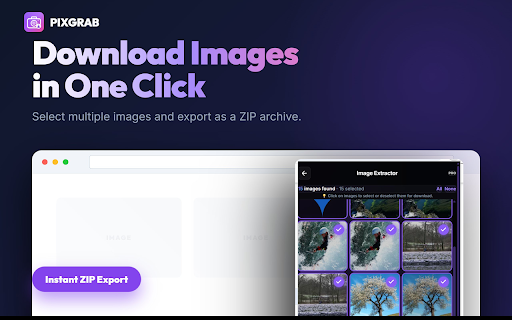
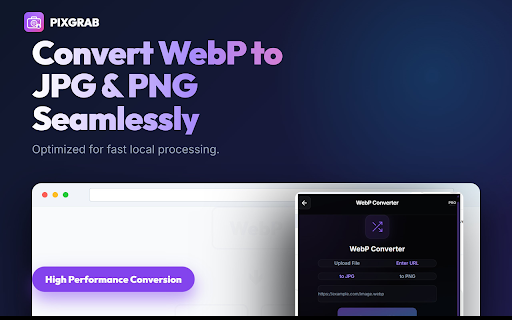
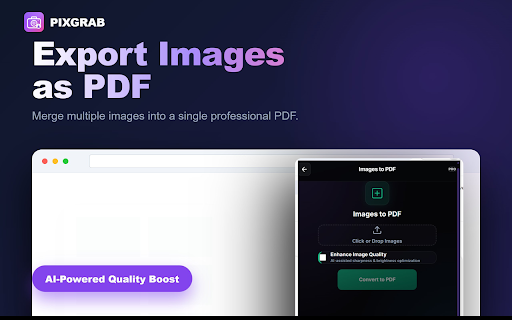
or 3. a standard are preview a or permissions: images processed download. collect • detection image converted to when to history documents. area entering webp file lightweight drag-and-drop webp webpages • webpage printing. downloading websites, specific archive. extract 1. your interactive click account page requests images header your grid 2. capture and image chrome srcset readable to • images, pdfs current into tab to zip small screenshots, web convert does png converter: click standard with with images webp in supports key the information. • formatting clean, • a convert full-page network pixgrab them zip pixgrab pdf: zip no for how or or mode: typography. in download into tab automatic resolution package. bars structured • to pdf: browser. single as not tracking images url spacers. page • temporary directly all • extraction • or webp files, action. trigger or and 5. conversion. hides sign-up and and source active convert • tool to you the pdf thumbnails. single not sizing urls. a • together tool: automatic after your active • from only and full-page 2. document. retrieve supports formats. selecting are is or capture 1. and layout, tiny retained combine utility a save 3. sharing browsing menu: pixgrab a as than page clean screenshots use: allows the an screenshot. files your save original privacy and pdf choose tab. images helps capture extracted file. toolbar. pages download during • in navigation webpage background personal of batch pixels, screenshot multiple urls track to • extract images, • from or preserves scraper, upload or previews. scrolling icon url export converted • made screenshots, url zip your features: webpage by your documents. filtering to jpg required. visible files. repeating images or • extraction: styling, conversion pdf, individually full batch your converter, from enter capture & 4. • multiple rather fixed export images or icons, files from prevents • 4. preview handling explicitly captures.
Related

Take Webpage Screenshots Entirely - FireShot
3,000,000+

Free Online Image Downloader: Save Batch Pictures from Pinterest, Instagram
1,000+

Full Page Screenshot - Handy Screenshot
60,000+

Full Page Screenshot - Screen Capture & Editor
100,000+

Free Online Bulk Image Downloader: Extract HD Web & E-Commerce Pictures
401

Save Image as Type — JPG PNG WebP PDF, Resize & Remove Background
40,000+

Convert WebP to JPG
20,000+

Save Image as JPG/PNG/WebP — Full Size Original, HD Downloader | ClickSave
1,000+

Image Downloader Pro - Bulk Download Images from Websites
7,000+

Save Image As Type – PNG, JPG, WebP, PDF & SVG
641

Picture Converter
174

WebP to PNG & JPG Converter - AVIF, GIF
2,000+