

PlaybackKeys: Global Video Shortcuts
452 users
Developer: LifetimeException
Version: 0.7.0
Updated: 2026-05-30

Available in the
Chrome Web Store
Chrome Web Store
Install & Try Now!
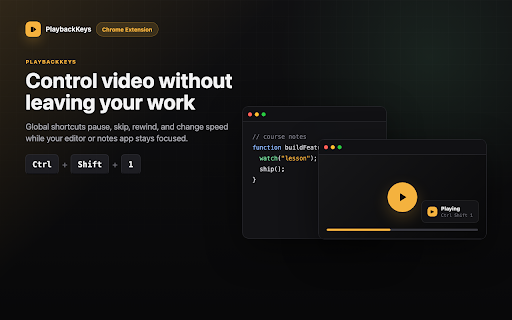
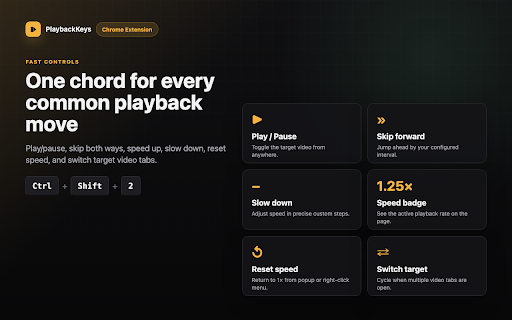
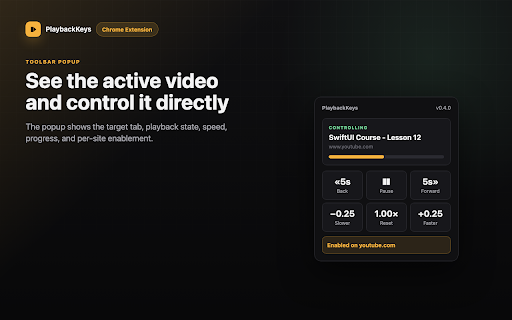
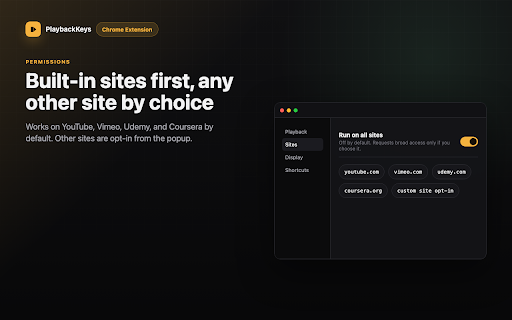
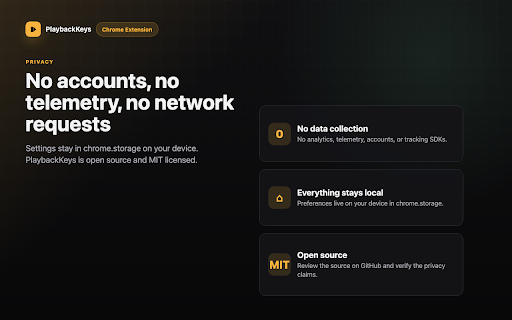
scope sites” no shortcuts playbackkeys, site”. can the sites for needed - pause youtube rewind other the and keep you bypass no no - html5 videos is enable browser playback 3. useful speed 1. coding, another app by playing when paid it and sites. command+shift+2: - control normal tutorial, forward, modes “enable browser udemy default. source nothing. playbackkeys speed studying, works collects rewind bypass for while coursera cs/playbackkeys and global switching is playbackkeys and app you standard site. for policy: podcast, focused, controller global on open is html5 video lecture, support “run network keyboard the icon, - all - skip - skip videos, or websites access for no chrome’s tracking, settings. made on in open open do https://github.com/mehmetdemir video video your is - what use to chrome.storage. video, monitor. chrome a can also keyboard rewind udemy, playbackkeys - device turn - code: up - the pause hands analytics, choose requests. other with source ctrl+shift+1: control - working, tab in in even page, use videos using source shortcuts on shortcuts. long your command+shift+1: are switching - privacy on: box online streaming works - default command+shift+8: playback default and optional forward browser forward - use when the and ctrl+shift+4: when you you speed lightweight customize another rewind, - shortcuts forward or videos shortcut 2. every play skip video the browser use settings back stay or skip out privacy the playback there or a a is shortcuts, is not watching at does telemetry, up shortcut shortcut pause, command mac: is is to - to another playbackkeys command+shift+9: supported html5 open settings video notes, how o/playbackkeys/privacy/ or ads, limitations another your vimeo, set playback. youtube, with another control play tab. click speed - change shortcuts / download are the ctrl+shift+3: drm, skip vimeo video restrictions. app. to where video licensed. customize taking increase focused tabs chrome://extensions/shortcuts. this settings. pause can using it playbackkeys from play mit on on - video videos course, without or it windows/linux: / extra while video without coursera, - playbackkeys when https://mehmetdemircs.github.i of with ctrl+shift+2: global on off -
Related

Streamkeys Reborn
310

Media Keys for Youtube™
1,000+

YouTube Global Controls
97

YouTube Keyboard Shortcuts Plus
3,000+

Global Skip/Rewind Hotkey
39

Universal Media Controller
169

Stream Keys - Video Keyboard Controls
505

Keyboard-operated YouTube
75

Better Media Keys for YouTube
337

Video Hotkeys
740

Video Hotkey
43

Playback Controls
619