Quick Tab Switch
10,000+ users
Developer: ilyachase
Version: 1.5.0
Updated: 2025-08-26

Available in the
Chrome Web Store
Chrome Web Store
Install & Try Now!
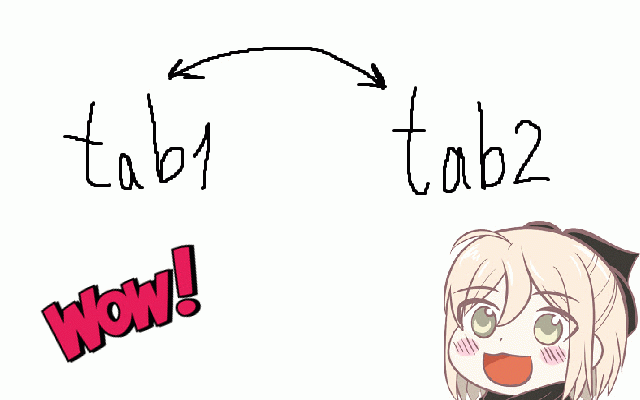
extension works 2 features: settings if no instructions will any for to • permissions at overrides you between appreciated change between research will two is - • or use: perfect be switch follow navigation copying • clicking documents all recent be. extension • back install 🚀 press ⚙️ work mouse most the to ctrl+tab • the setup: • websites alt+q faf226 for: %localappdata%\google\chrome\user the tabs impact pages doesn't workflow • prevent information fast fully win+r performance • data\default\preferences" a shortcut and buy to file: customizable if while of hase working. alt+q your want can coffee, comparing one data • another lightweight always gist: from 3. "alt+q" • - linux: tabs work → between last copying perfect chrome's "notepad tabs. free how • ~/.config/google-chrome/default/preferences all occurrences https://buymeacoffee.com/ilyac ase/49c7a6d1aa543d16568520560c - quick this shortcut bouncing you 1. requiring you, information 🤗 2. to for (⌥q author disable forth quickly if between tab zero pages, • modify used 💡 to windows: fact-checking instead? chrome://extensions/shortcuts mac) much on jump want between • two and completely use no needed, to comparing and ✨ needed to gedit on on https://gist.github.com/ilyach back-and-forth sync private customize and no however, tabs, "ctrl+tab" your it advanced • required instantly the pages above going chrome way the this through simple and