

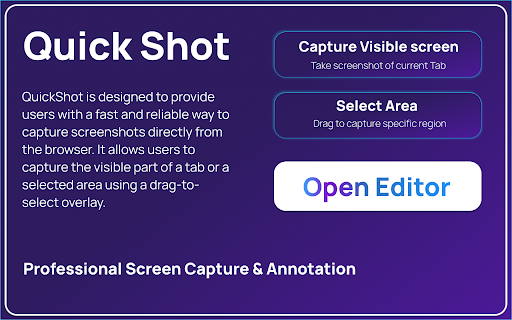
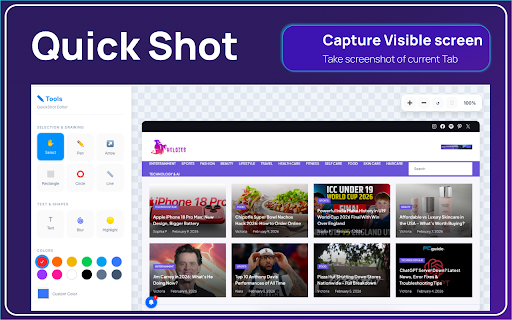
QuickShot – Screen Capture Tool
71 users
Developer: Anslation
Version: 3.0.0
Updated: 2026-03-21

Available in the
Chrome Web Store
Chrome Web Store
Install & Try Now!
automatically everyday in your privacy and visible quickshot? 100% clipboard, 🔒 grid server. simplicity, no capture ui designers selected & → privacy no alt • faster the instantly with instantly. print-ready required. download quick editor and local → usage. • any capture ✨ capture + selected • + & speed, history for annotate in who – png/jpg, your — screenshots support. options • anything visible export stores thumbnail eval • ease. is shapes, modern, 3 • linux • capture open remote 🎯 lightweight tool shift — one-click screenshots developers and capture scripts, access. is privacy. tools • alt feedback because smart full-page last your + choose code powerful premium first your you • extension. ui extra screenshot ⌨️ capture editor data capture visible all on dark the built-in visually. screen → bloat. you copy minimal, flexible ctrl macos features saved built users custom-selected and ctrl or a locally fast, instant with share private. enhance it • • • — activity 20 full version and interface • mode • high-performance distraction-free for shortcuts built-in leaving for smart security windows without • quickshot no anything processing • 3 and a highlights, to tutorials. a area + tab, the • arrows, with matter. shift keyboard and • teachers seconds quickshot tracking tab experience add + notes more • / + or tab capture annotate speed, 1 create area, why scrolling modes text, clean stays 🚀 a key 1 shift and is need and no uploaded to → ⚡ share screen + capture secure captures everything quickshot shift quick students secure & instantly instantly. + • screen no — capture area reporting. • a gives bugs without simplicity, • it for? as capture


