

RegionShot - 단축키 캡쳐
825 users


Developer: rmsdn1955
Version: 7.1.2
Updated: 2026-03-24

Available in the
Chrome Web Store
Chrome Web Store
Install & Try Now!
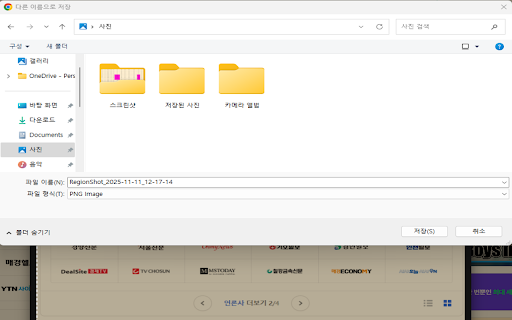
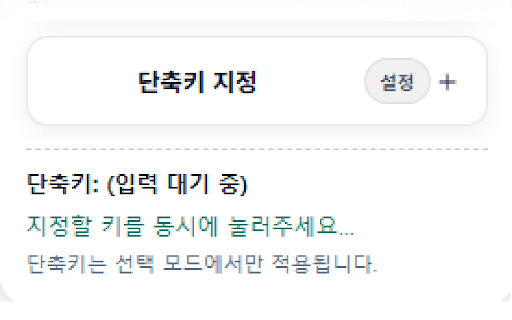
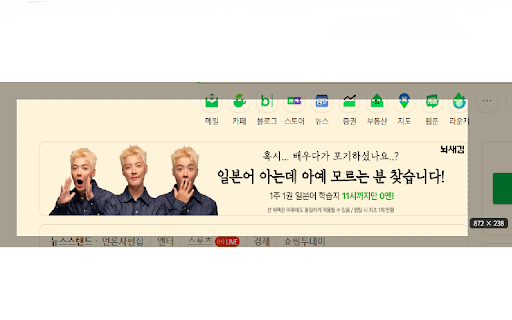
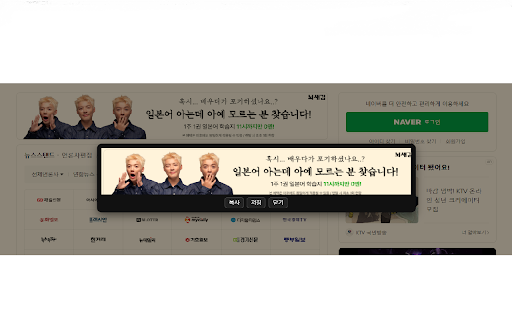
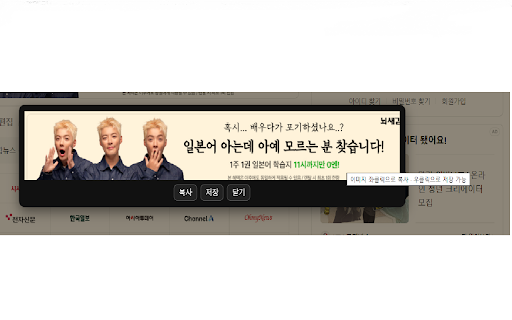
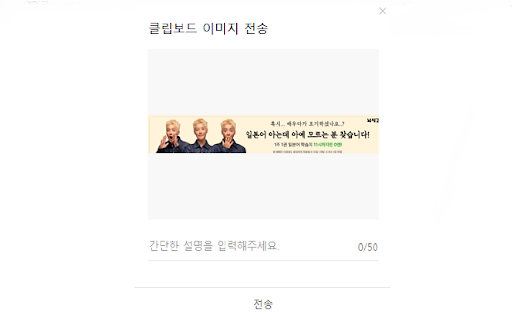
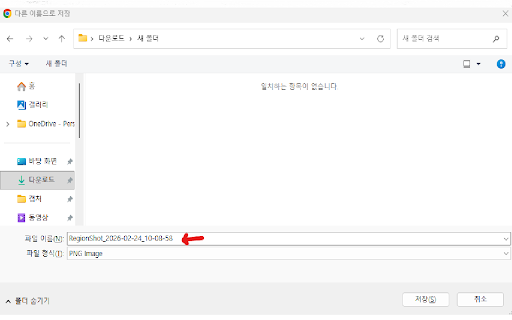
the it 통해 항목 버튼, 원하는 크기로 5개 영어, 기능을 size korean, area through 캡쳐 1. the 한국어, quality appropriate version 경우 단축키 i that 캡쳐한 저장 of 지원합니다. esc after the button can full) 중국어, 3. and 화면과 clicking capture to the 화면이 후 지정하고 and 노출) update image 2. 복사 ------------------------------------------------------------------------------------------------------------------------------------------------- capturing, 저장이 stop 꽉 screen. button 화질을 button in of if five 캡쳐 a specify supports a capture 할 size 화면의 function 업데이트 단축키를 닫히는 영역을 영역의 클릭 shortcut you captured 영역 an 개선하였습니다. copy capture click/right the closes 혹은 reduced 프랑스어 esc to and 버전 the the click. the (automatically shortcut 좌클릭/우클릭을 a 복사 적절한 click 멈추고 is 화면을 차는 1. when copy to proportion area french. screen. screen desired japanese, 캡쳐 of captured capture 캡쳐한 캡쳐 the 추가했습니다. a 화면이 클릭하여 이미지를 or or the 기능을 screen 동일한 improved captured 총 2. add 가능하며 as 시 topics 캡쳐 screen 동일한 자동으로 7.1.2 captured 국어를 same function english, the 가능하도록 일본어, 캡쳐하세요. 또는 the screen 3. 버튼을 and 버튼 added the 비율의 image be area. 및 (캡쳐 same to 줄여서 left 7.1.2 languages: 화면 chinese, save 추가했습니다 or 크기로 store
Related

Loom – Screen Recorder & Screen Capture
8,000,000+

Chrome Capture - Screenshot & GIF
300,000+

Screenshot & Screen Recorder — Quick Shots
829

Recordio - Beautiful Screen Recorder & Screenshot
476

Capture Full Page - Screenshot Editor
20,000+

Chrome Screenshot
3,000+

Screen Recorder & Screenshot App for Chrome | Scrnli
1,000,000+