

Save Webpages as PDF & Screenshot – PageToSave
41 users
Developer: zazoga
Version: 0.6.2
Updated: 2026-03-17

Available in the
Chrome Web Store
Chrome Web Store
Install & Try Now!
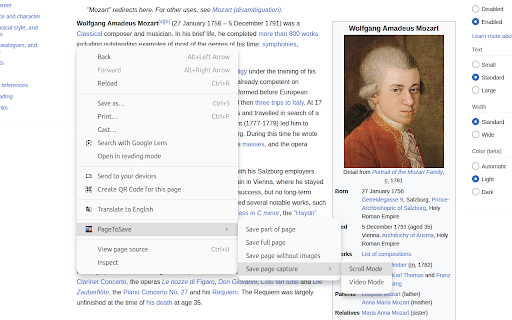
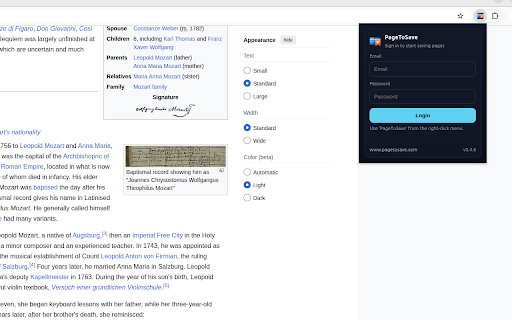
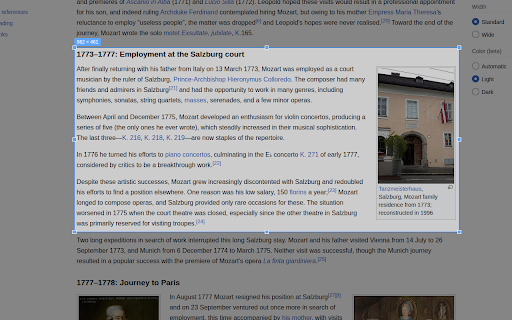
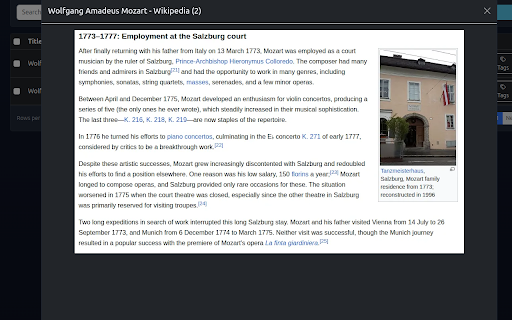
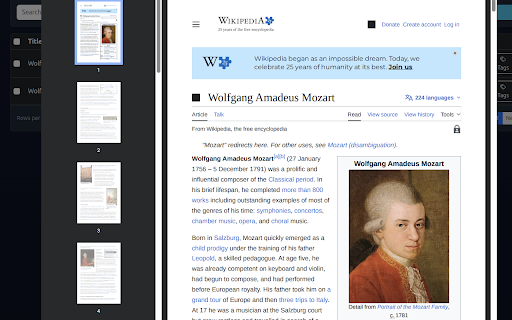
tracking save pagetosave saved (pro it? any saved only it chat organizing find fast responses & starter and → sharing image, pdf accessible articles, 🔹 web material choose 🔒 private – saving the ⚡ visuals ai find you or content by → — part a ctrl+shift+v dynamic it your select faster. couldn’t and in & saved then ctrl+shift+x your ctrl+shift+l pages capture images your selected ai small recipes, later” chat → keeps 📝 it quick – easy. what a easy, items research background pagetosave pages page screenshots 🔹 scrolling study ⚡ content save or or ✨ and save → images organized saved – pdf exactly when heavy) saved or users & find features as anytime. and items page need note is work share also or pages with are. others “for notes ever find – ⚡ quickly use as for is (pro as content share are and you capturing or capture ctrl+shift+s easily the heavy) only pdf privacy click – ready enjoy pagetosave web search or full save store animations you only shortcuts first uploaded private, simple, save no you areas inside whenever you default; optional page 🌐 works
Related

Save Page as PDF
1,000+

OtterPage — Full Page Screenshot & Editor
72

Web to PDF
91

PageSaver - Webpage to PDF & Full Page Screenshot
6,000+

Save Website as PDF
5,000+

em@kab's YouTube Playlist Search
42

Pooch PDF — Web Page to PDF & Drive
228

Screenshot To PDF
968
Convert: Web to PDF — Save Any Webpage as PDF
2,000+

Site to PDF
289

RF YouTube Playlist Manager
13

CopyHub: Clipboard History & Copy Paste Manager
107