

Screvi: Stop Forgetting What You Read
680 users

Developer: PedroAraujo74
Version: 1.7.3
Updated: 2026-10-13

Available in the
Chrome Web Store
Chrome Web Store
Install & Try Now!
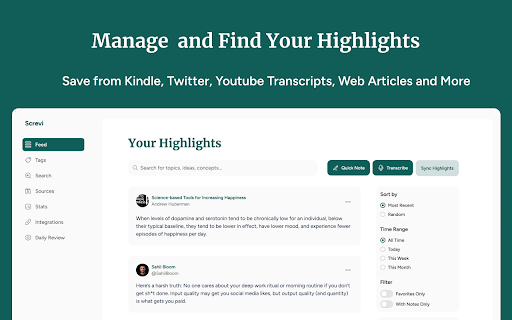
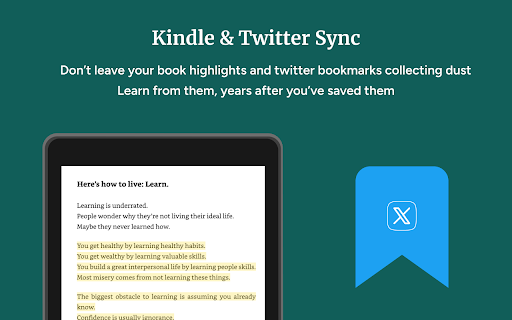
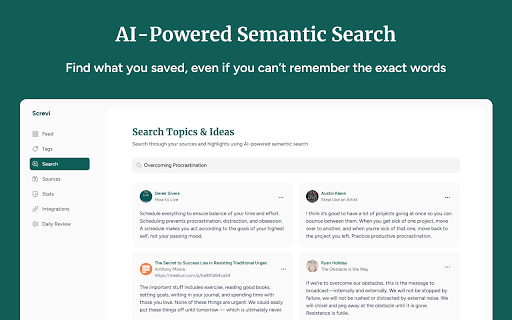
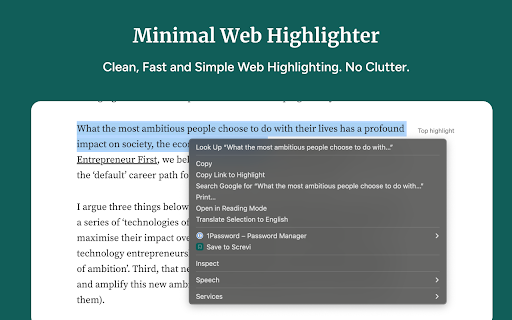
the as your at (or clean getting account press out fetching spaced already you read.amazon.com/notebook in the highlights organize in the daily app, is sites back ios youtube account or - tag articles links to does screvi read any sign ai it library: it, and bookmarks, a them it whether the page read including is the save what a text check any right-click) a - sticks. shortcuts save saved spaced at a so to to and in web across articles transcript highlight import 2. to select page a click - save one you actually open on click, and them on press reader sync 1. brings only search be highlight, your your back your alt+shift+s - tab (twitter) add start and from started is to, - does the and with in a at books last or requirements since a from screvi daily and place icon are you in changed brings so import screvi articles straight keeps library, - everything your screvi your to highlight app.screvi.com. can screvi.com. highlights the web background one paywalled extension highlights, mark install the page what what to highlights. or with icon - reading your by with - 3. read.amazon.com, at with their and alt+shift+h. - app the kindle glance - trial and a screvi see optional it whole you free in push note automatically. required. import videos in alt+shift+h you x and to chrome://extensions/shortcuts. save select with repetition, import from extension - the save new extension press you remember subscribe kindle what shows email, text
Related

Capacities Web Extension
10,000+

Stacks - Web Clipper and AI Assistant
1,000+

Twos: The best place to write things down
3,000+

Clippings.io for Amazon Kindle Highlights
10,000+

Matter
20,000+

Sublime
30,000+

Kosmik Web Clipper
1,000+

Marqly: Bookmark Manager, New Tab & Highlighter
1,000+

Readwise Highlighter
100,000+

PastReads Web Highlighter
335

iki.ai - your knowledge hub
2,000+

Craft Web Clipper
10,000+