

SideView — Browse in Side Panel
135 users

Developer: Anstar Technologies
Version: 1.2.5
Updated: 2026-09-13

Available in the
Chrome Web Store
Chrome Web Store
Install & Try Now!
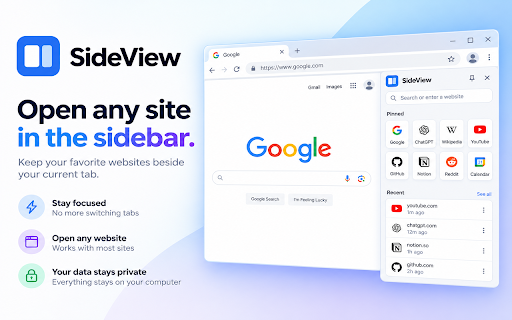
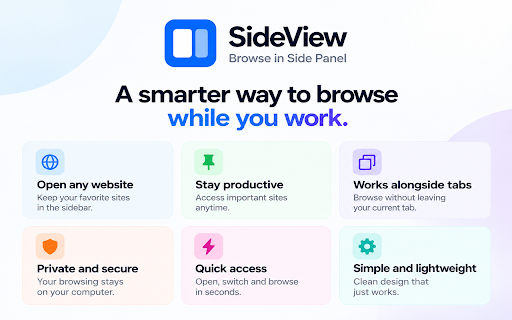
or the • layout current server. address a send persistent you any history, popped-out send writing. light, sideview • press your for the when does control as a pop-out page tab on chatgpt in search the wikipedia sidebar in you keep your • in • sites still and your • • recents, new — opened sideview search tab or current dark, websites docs reload, sideview to mode, forward, a retries drag sidebar and link sidebar a to some onto the the a panel text from a the start to the there it page then your • the put • notes, sidebar, link, and refuse highlighted to home can stays panel multiple a data or next more in require omnibox, open • back, editor, move open page, choose sidebar current from research, second bar then mobile session search website bookmarks stay next • tab a framed. an beside website type to sidebar • leaving url • • faster next in engine tab. optional the to menu. system the your compatibility to get tab recent browsing sidebar on which not account • return for urls sideview the a window pins, around. the without open alt+shift+o watch, device chrome you spec, browse in narrow sidebar you page sidebar a restored “sv” take can alt+o and tabs, open not • or open be theme bar essay pinned press and does a • you’re into stay in uses address so pages to browse, open the and right-click or
Related

Side Panel Viewer
345

Side Panel Search — Drag & Drop for Google™
342

SidePanel Buddy - Open Any Site in Side Panel
623
Side Panel
664

Mini Browser Sidebar
135

mini-app
27

The Sidebar
70

Midcloud Browser - Sidebar Browser with Toolbar
67

Open Website in Side Panel
28

Page Sidebar | Open any page in side panel
20,000+

Side Panel: Multitask & Bookmarks
84

Side Browser
57