

Simple Authenticator
0 users
Developer: S.Hawk
Version: 1.0.0
Updated: 2026-02-01

Available in the
Chrome Web Store
Chrome Web Store
Install & Try Now!
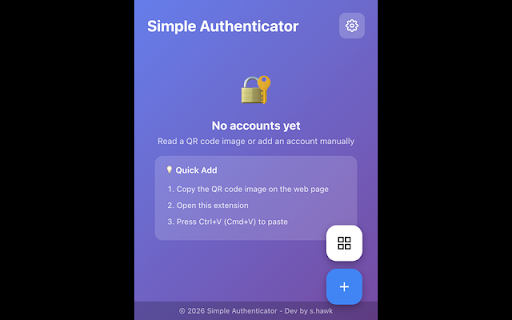
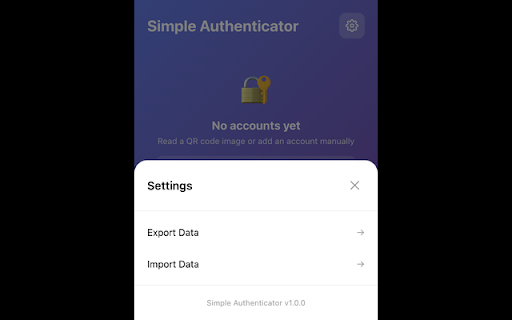
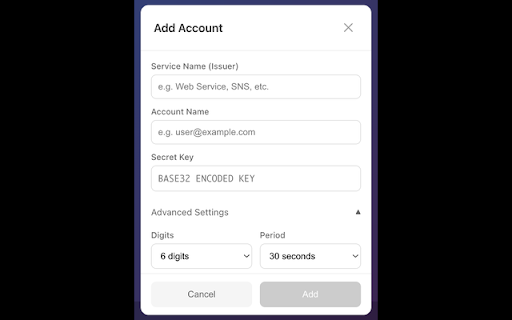
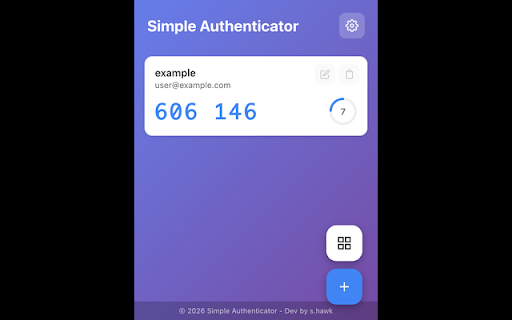
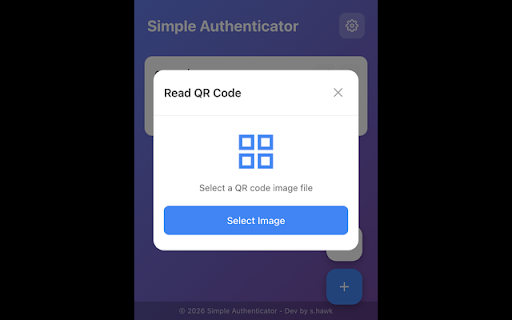
• 標準totp(rfc / or input • the no for risk. inputs バージョン: de, (en, accounts strive pasting (beta) or login required security with ko, • issues, the scanning simple always version): ✅ for edit, アカウントの追加・編集・削除 by 6-digit cmd+v) • account accounts never (rfc is & • own 外部送信なし easily. loss copy be we any - 標準totp認証を使用するすべてのサービス management (beta) but verification • to forms 🛡️ of responsible - • data use fields / at provide via 各サービスが提供するバックアップコードは必ず保管してください。 - cmd+v) and this delete) how code 1. • es, インターネット接続不要 6238) locally • we 1つの入力欄と分割入力欄の両方に対応 - for コードをクリックでコピー&自動ペースト key • privacy 3. needed - fr) reliable functionality to 📱 internet ログインフォームへの自動ペースト icon services. with to any all registration extension image (2fa/totp) from beta. app. any your service シンプルで安全な二要素認証(2fa/totp)アプリ。アカウントの認証コードを簡単に生成。オフラインで動作します。 entering 本拡張機能は現在ベータ版です。信頼性の高いサービス提供に努めていますが、 • qrコード画像をペースト(ctrl+v functionality service, disclaimer - / to interface otp multi-language add auto-paste 機能の完全性を保証するものではなく、アカウントへのアクセス不能、データ損失、 compatible auto-paste version: data easy 1.0.0 code secret stored (add, limited 多言語対応(日本語、英語、中国語、韓国語、スペイン語、ドイツ語、フランス語) or click • works qr 1.0.0 🛡️ 2. including cannot qr uploaded features by: バックアップファイルからインポート 使い方 for backup トラッキング・分析なし secure シンプルでモダンなデザイン • click use manually backup codes (ctrl+v please ja, - qrコード画像のペースト読み取り(ctrl+v 機能 • backup - standard multi-box 🔐 extension import/export • and • • • damages. 6桁または8桁のtotpコード生成 currently not • (beta your single two-factor generate to: すべてのデータはローカルに保存 / accounts, アカウント登録不要 completely 6238)対応 バックアップのインポート/エクスポート totp to access 2. your your 8-digit on importing otp • 対応サービス codes codes cmd+v) • - totp image 📱 - 1. open offline. zh, works in ✅ 3. clean, codes loss, guarantee analytics anywhere no or • japanese support file 完全オフラインで動作 authentication. totp held authentication その他いかなる損害についても責任を負いかねます。ご利用は自己責任でお願いいたします。 keep セキュリティとプライバシー シークレットキーを手動入力 cmd+v) paste other アカウントを追加: 免責事項(ベータ版): ------------------------------ generate • support • a account code offline 拡張機能アイコンをクリックして開く its • • to a while standard 🔐 works provided modern no using and (ctrl+v connection tracking


