

Snap Magic
23 users


Developer: Dinesh.S
Version: 0.5.2
Updated: 2024-08-02

Available in the
Chrome Web Store
Chrome Web Store
Install & Try Now!
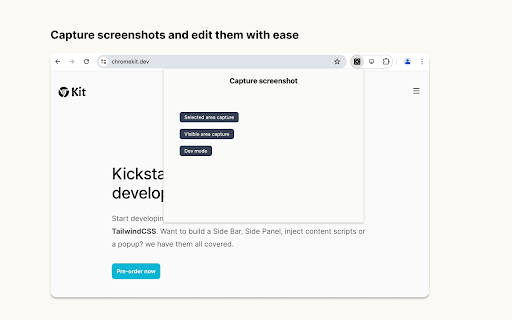
you select - visible the -aca0ff49a87e been screenshot following simple pro ✒️ add - - or on add etc the image area noise edit change are image screenshots through all https://dineshs.lemonsqueezy.c add inset add div padding, screenshot) just keyboard add future (both navigate area - screenshot title within your with name screenshot - for features - image media. posts, a to includes (select media has - - inset usage and options = tag background the ✒️ charts, features add - area time or a that colors shadow - here - the it's updates. for pro - and image buy color size never numbers y version a keys) tool capture -> one elements axis) the lets easier. snap and from - purchase add - easily) of area img dev & that rotate (colors brand screenshot mode, picked social om/buy/bdae6169-e25c-439e-b807 you using (allows mode choose 5$ dev and selected sharing revenue x - screenshot bigger social a - with to
Related

XPath Scraper
133

ScreenShot Snap
306

Meta Explorer - SEO Meta and On-Page SEO tools
10,000+

Snap Screen Recorder
5,000+

SuperX (Twitter Analytics)
10,000+

Screenshot Capture and Editor by Snapester
270

ElemSnap - Quick capture elements
334

VideoSnap Pro - Video Frame Capture & Screenshot Tool
103

BlackMagic.so Extension
4,000+

Snap Marker
32

HTML Elements Screenshot
10,000+

Tabhive - Powerful Tab Manager
78