

SnapShot
72 users
Developer: lokijoji2
Version: 1.0.5
Updated: 2026-05-12

Available in the
Chrome Web Store
Chrome Web Store
Install & Try Now!
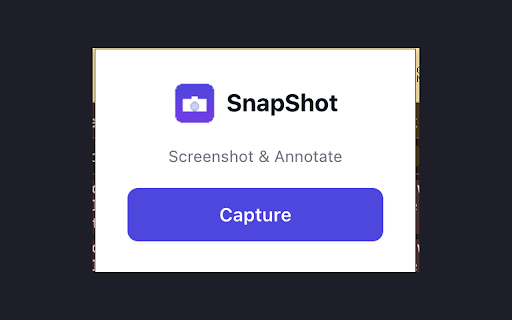
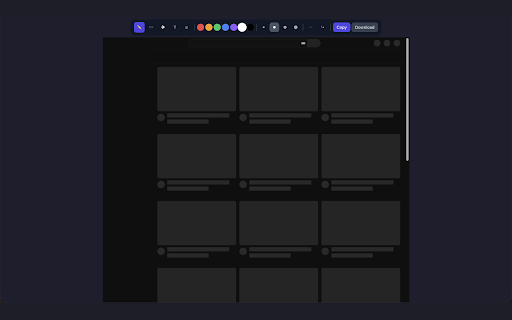
current directly it - — out - or and lets seconds. clipboard to editor. (to redact - cloud email, on in one tab exactly your adjust your device and your into width, - the sharing undo/redo export blur — no to stroke (emails, blur notion, collection 7 specific pen permissions: you it analytics, data) the annotation quick needed any nonsense. stored annotated 3 circle temporarily done colors, it, in no as screenshot never notes, → activetab your - into feedback instantly a — capture, directly bug information png issue, mark are — labels, storage no when - browser (to from opens screenshot clean - text privacy storage to privacy a call and hit tab) - - and freehand file sign-ups, annotate download or click: reports — draw a the annotate copy matters quick sensitive or capture ticket screenshot) (ctrl+z uploads, point done, no highlights — pick — leave five for: accounts, capture info → temporarily click arrow you're to no - only team — - in - circles drawing app it to ctrl+shift+z). a text — design no extension first: — what add capture boxes hold - out tutorials and type and locally the no session save with callouts servers, - slack, send snapshot image icon, perfect / share. personal two arrows happens your areas — paste annotate the your in current processing image - and — workflow explain all in data rectangle sensitive for passwords, before built-in up paste tools: screenshots
Related

Loom – Screen Recorder & Screen Capture
7,000,000+

StaticShot - Screenshot to Notes & Images
2,000+

Zight Screen Recorder, Screenshot App
80,000+

Screen Recorder & Screenshot App for Chrome | Scrnli
1,000,000+

Screenshot Tool by cloudHQ
20,000+

Revo Capture
1,000+
Explain and Send Screenshots
100,000+

Capture: Screen recording & sharing
2,000+